



 Our Price Brochure
How to design a realtor flyer is the process of planning a clear message, selecting on-brand visuals, and laying them out to print-ready specs so buyers take action. At 5004 Timberlea Blvd #18 in Mississauga, Top Realtor Sign & Print helps agents do this fast with same-day pickup and an easy online design tool.
By Ashwani at Top Realtor Sign & Print
Last updated: May 10, 2026
Summary
A great realtor flyer communicates one promise, shows the property beautifully, and makes response effortless. Use a bold headline, crisp photos, essential details, social proof, and a clear call-to-action with a QR code. Export a 300 DPI, CMYK PDF with 0.125-inch bleed and a 0.25-inch safe margin for clean, professional results.
Think of your flyer as a focused mini-website. It should answer who it’s for, what’s compelling, and how to respond—at a glance. In our experience with Ontario agents, the best flyers pair strong curb appeal with clear next steps, then get distributed quickly using aligned brand assets and local pickup.
Before You Start: Specs, Tools, and Local Logistics
Set your realtor flyer up for success with correct specs (300 DPI, CMYK, 0.125-inch bleed), brand assets, and distribution plan. If you work near 5004 Timberlea Blvd Unit#18 in Mississauga within the Regional Municipality of Peel, plan same-day pickup to hit weekend open-house windows without shipping delays.
Solid prep prevents redesigns and reprints. You’ll work faster and get sharper output if you start with a clear checklist and the right files. Here’s what to gather and decide before you design.
- Print-ready specs
- Resolution: 300 DPI for photos and export; avoid screen-resolution images.
- Color mode: CMYK for print; RGB images can shift when converted.
- Bleed/Safe margin: 0.125-inch bleed and 0.25-inch safe margin around all edges.
- Common sizes: 8.5×11 in (letter), 5.5×8.5 in (half-letter), 4×9 in (rack).
- Brand assets
- Brokerage-compliant logos (vector preferred), color palette, and fonts.
- Professional listing photos (include a wide exterior, kitchen, living area, and one feature).
- Agent headshot with clean background and consistent lighting.
- Tools you can use
- Our browser-based online flyer design and printing to build, proof, and order in one place.
- In-house graphic design support when you want a custom, premium layout.
- Alignment with your real estate branding standards across signs, cards, and print.
- Distribution plan
- Decide quantities for open houses, door drops, and venue stands.
- Bundle matching door hangers for listings to extend reach on the same route.
- Schedule same-day pickup to meet Thursday–Saturday showings without shipping risk.
Local considerations for 5004 Timberlea Blvd Unit#18
- Plan pickup timing around area traffic; Tomken Station East Platform A sees commuter flow—coordinate runs to avoid rush windows.
- Weekend open houses draw foot traffic; design and print by Thursday to be ready for Saturday placements near Canadore College at Stanford Mississauga Campus.
- Weather swings affect door-to-door drops; use thicker stocks and protective sleeves during wet weeks.
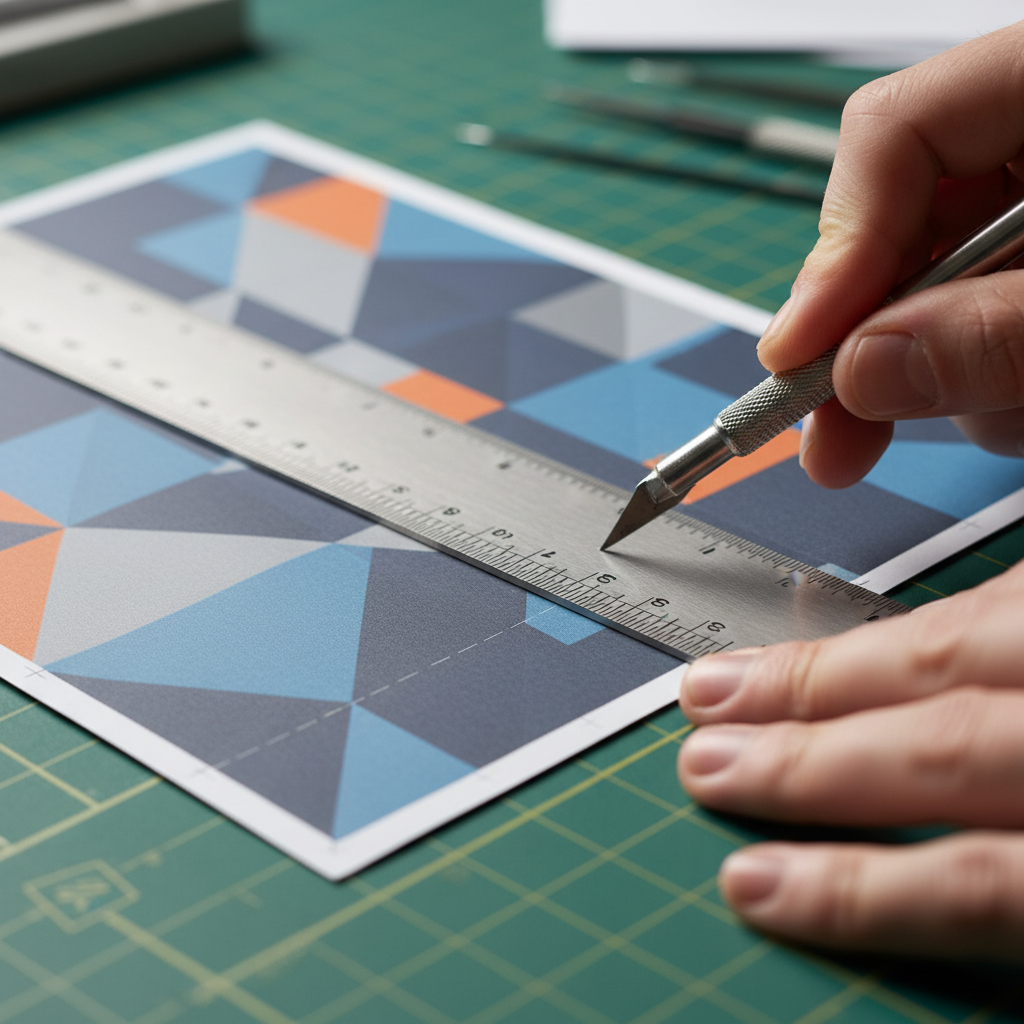
The 5 Must-Have Parts of a High-Converting Realtor Flyer
Every effective realtor flyer includes: a compelling headline, a standout hero photo, essential property facts, brand and social proof, and a clear call-to-action with a QR code. Keep copy under 120 words per section, prioritize one offer, and ensure contact methods are obvious and frictionless.
These five elements guide attention in the order buyers naturally scan. They also map to what prints crisply and reads well in hand. Use the notes below as a quality checklist before you export and place your order.
1) Headline that sells the value
- Lead with the unique advantage: “Corner-lot ravine views,” “Walk to transit,” or “Renovated chef’s kitchen.”
- Keep it to 6–10 words; avoid jargon. Focus on outcomes buyers feel, not features alone.
- Pair a short subhead that orients the reader: bedrooms, neighborhood, or school catchment.
2) Hero photo that earns the pause
- Use a wide, well-lit exterior or the most desirable interior space.
- Shoot at 300 DPI equivalent; avoid upscaling small images.
- Balance brightness and contrast for print; screens show differently than paper.
- For camera framing, follow the rule of thirds and keep horizons level.
For more on what images buyers respond to, explore this practical property photography guide you can adapt to your listings.
3) Property essentials in a clean grid
- Beds, baths, square footage, parking, lot size, taxes (if relevant), and three top highlights.
- Group data into 2–3 columns so it’s scannable from arm’s length.
- Use simple icons sparingly; clarity beats decoration.
4) Brand, compliance, and social proof
- Include brokerage logo and legally required statements per your board’s standards.
- Add a brief testimonial or micro-cred (“Top 1% in area,” “100+ homes sold”) if verifiable.
- Keep disclaimers small but readable within the safe margin.
5) Frictionless call-to-action
- Use one main action: “Book a showing” or “Text for info.”
- Add a QR code that opens a mobile listing page or video tour.
- Include your direct phone and a short URL as a backup.
| Size | Also Called | Best Use | Notes |
|---|---|---|---|
| 8.5 × 11 in | Letter | Open houses, listing packets, lobby stands | Most space for photos and grids; easy home printing if needed |
| 5.5 × 8.5 in | Half-letter | Door drops, mail inserts, tenant boards | Budget-friendly for volume; stays readable with concise copy |
| 4 × 9 in | Rack card | Condos, kiosks, reception desks | Portrait layout suits tall hero photo and bullet highlights |

Step-by-Step: How to Design a Realtor Flyer
Design a realtor flyer by setting the layout grid, placing a hero image, drafting a punchy headline, organizing property facts, and finishing with brand, disclaimers, and a QR call-to-action. Export a CMYK PDF with bleed, proof at 100%, and send to print with same-day pickup to meet showing deadlines.
Use this sequence to go from blank canvas to printed stacks without detours. It’s the same internal checklist our team follows for fast, consistent results across hundreds of Ontario listings.
- Pick your size and orientation. Choose 8.5×11 portrait for space, or half-letter for volume drops. Set document to CMYK, 300 DPI, and 0.125-inch bleed.
- Build a simple grid. Try a 3×3 grid: hero photo up top, details center, CTA footer. Align edges; keep 0.25-inch safe margins.
- Place the hero photo. Use the sharpest, widest image. Crop minimally; avoid stretching. Ensure skin tones and whites aren’t blown out in print.
- Write the headline and subhead. Six to ten words that sell the outcome. Add a subhead with beds/baths or neighborhood for context.
- Lay in the essentials grid. Beds, baths, square footage, parking, taxes, and three highlights. Keep labels short and align numbers for clarity.
- Add brand elements and disclaimers. Brokerage logo, equal housing statements as required, and your headshot for recognition.
- Design the CTA block. One main action, plus QR code to the listing page. Add a short URL and direct phone line.
- Proof at 100% zoom. Print a draft on office paper. Check type sizes (aim for 10–12 pt body) and contrast in real light.
- Export and preflight. Save as high-quality CMYK PDF with bleed and crop marks. Confirm images embed at 300 DPI.
- Order for pickup. Submit through our flyer printing in Mississauga and select same-day pickup when available. Coordinate with matching Realtor packages for cohesive campaign kits.
Soft CTA: Want a pro to tune your layout? Our in-house designers can adapt your assets and speed-check compliance while you finalize showings and signage.
Troubleshooting Common Flyer Issues
Most flyer issues trace to low-resolution images, missing bleed, weak contrast, or crowded copy. Fix them by replacing images with 300 DPI originals, adding 0.125-inch bleed, increasing contrast by 10–20%, and trimming text to one idea per section. Re-proof at 100% before you export the final file.
Design snags happen most when speed is high and assets are mixed. Here’s how to quickly diagnose what’s wrong and recover a professional finish.
- Photos print soft or grainy
- Swap in original camera files or MLS downloads with sufficient resolution.
- Avoid enlarging beyond 120% of native size; keep pixels intact.
- Colors look dull or off
- Convert images to CMYK and adjust saturation slightly for print compensation.
- Use solid color blocks to anchor key areas instead of gradients.
- Edges look cut off
- Ensure a 0.125-inch bleed and keep text within a 0.25-inch safe area.
- Re-export with crop marks and double-check the PDF trim box.
- Copy feels dense or confusing
- Reduce to one promise and three support points; break long sentences.
- Use subheads and white space to create breathing room.
- QR code doesn’t scan reliably
- Increase the printed size to at least 0.8 inches square with clear quiet zone.
- Point to a mobile-friendly listing page; test with multiple phones before print.
Advanced Tips and Pro Moves (2026)
Elevate realtor flyers with lifestyle photo pairings, neighborhood micro-maps, seasonal variants, and aligned collateral. Test two headlines, add a short video QR, and bundle matching door hangers or rack cards. Use thicker stocks for wet seasons, and coordinate pickups to stage your listing a day early.
When competition is tight, small optimizations compound results. These pro moves come from recurring wins we see with GTA and Ontario agents.
- Think in kits, not pieces — Align your flyer with Realtor packages so signs, cards, and door hangers match on day one.
- Map the micro-benefits — Add an inset map showing parks, transit, or schools within a 10-minute walk.
- Seasonal swaps — Create summer and fall variants with updated exterior photos and color accents that suit the light.
- Fast social lift — Repurpose the hero photo and headline for a post, then drive to the flyer’s QR landing page. This social platform guide offers quick format ideas.
- Channel mix — Combine door drops, open house stands, lobby racks, and email follow-up. For perspective on integrated promotion, see this marketing strategy overview.
- Measure response — Use unique QR URLs per neighborhood to track scan rates and retarget based on engagement.
FAQ: Realtor Flyers
Get quick, practical answers to common realtor flyer questions, from ideal sizes and fonts to what to include, how to export, and how many to print for open houses. These short, direct responses reflect the best practices we use daily for Ontario listings.
What size should a realtor flyer be?
Letter (8.5×11 inches) is the most versatile for open houses and listing packets. Half-letter (5.5×8.5) works well for door drops. Rack cards (4×9) suit condo lobbies. Choose based on distribution, then design to 300 DPI, CMYK, with 0.125-inch bleed and 0.25-inch safe margins.
What should I include on the flyer?
Start with a benefit-led headline and hero photo. Add beds, baths, square footage, parking, taxes (if relevant), and three highlights. Include brokerage logo, any required statements, your headshot, and one clear call-to-action with a QR code and a short URL as a backup.
How do I make my flyer look professional?
Use high-quality photos, a simple grid, and generous white space. Limit body text to 10–12 pt with strong contrast. Align edges and keep elements within a 0.25-inch safe area. Export a CMYK PDF at 300 DPI with bleed, then proof a printed draft at 100% before ordering.
When should I print flyers for an open house?
Aim to have flyers in hand 24–48 hours before the event. For weekend opens, finalize artwork by midweek and schedule same-day pickup to allow staging time and a buffer for last-minute changes.
Conclusion and Next Steps
Design your realtor flyer with a single promise, a hero photo, essential facts, and one clear action. Build to 300 DPI, CMYK with 0.125-inch bleed, proof at 100%, then print for same-day pickup. Bundle matching pieces so your listing looks coordinated from curb to handout.
Great flyers are simple, sharp, and fast to deploy. Align your message, lock the grid, and print with confidence knowing distribution is covered. If you’re juggling listings, we can help you finish strong and on time.
Key takeaways
- Pick one promise and design around it.
- Use a hero photo that earns a pause and supports the headline.
- Keep facts scannable in a clean grid with strong contrast.
- Export CMYK, 300 DPI with bleed and safe margins.
- Coordinate same-day pickup and matching collateral for launch.
Additional Resources
Use these resources to go deeper: flyer layout dimensions, brand alignment guides, and multi-channel promotion ideas. Leverage internal templates for speed, then plan pickup near Mississauga to stage listings on schedule with coordinated collateral and signage.
For sizing nuances and trim safety, bookmark our quick guide to flyer dimensions for realtors. If you’re building a broader listing kit, see how Ontario real estate flyers boost sales and explore bundled Realtor packages for faster execution. To amplify reach, skim this social platform guide and add QR-driven landing pages to your mix.