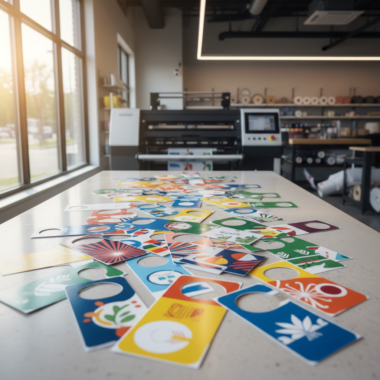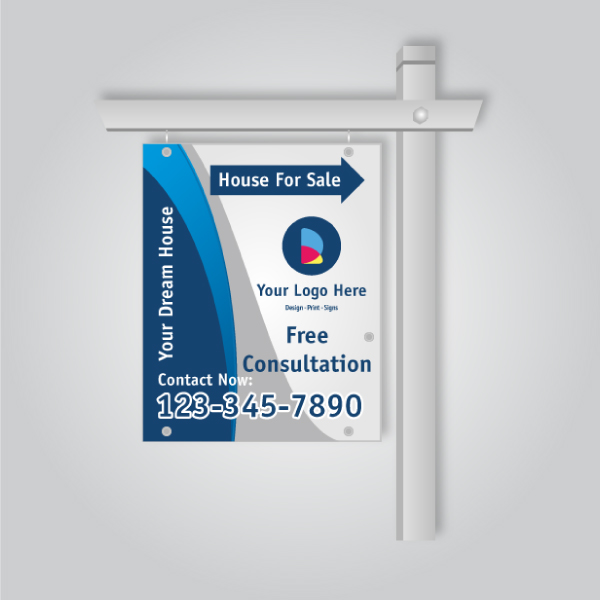
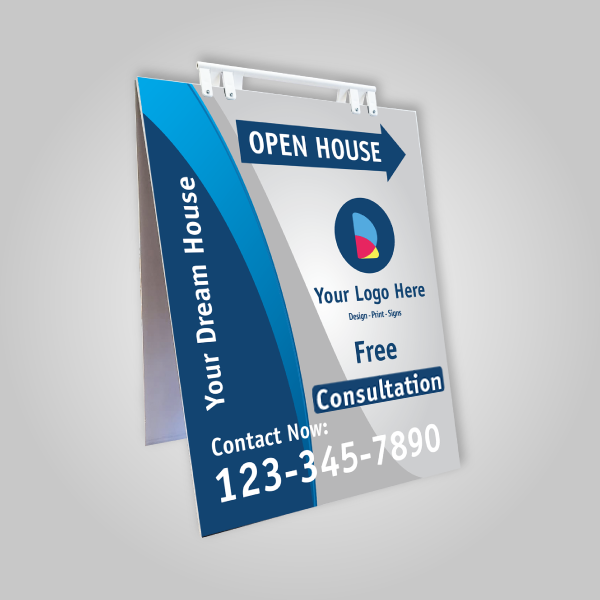
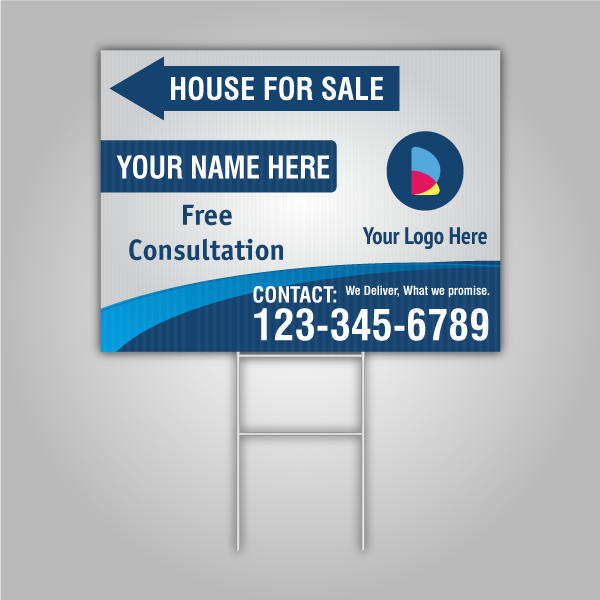



Top Realtor Sign & Print’s Mississauga online design tool for printing is a browser-based editor that lets you create signs, cards, and marketing materials fast—then pick up at 5004 Timberlea Blvd Unit#18. It supports templates, CMYK setup, bleed, and export, so your files print right the first time and stay on brand.
By Ashwani — Top Realtor Sign & Print
Last updated: 2026-06-13
Quick Summary
Use our online design tool to build print-ready business cards, flyers, Realtor signs, and banners without pro software. Start with templates, set CMYK color, add 0.125 in bleed, keep text inside the safe area, export to PDF at 300 ppi, and choose local pickup in Mississauga for speed.
- Design in your browser—no Illustrator or Photoshop needed.
- Built-in templates for For Sale, Open House, directional signs, roll-up banners, and more.
- Print specs: CMYK, 300 ppi, 0.125 in bleed, 0.125–0.25 in safe margins.
- Pickup options: same-day on select items; convenient Mississauga location.
- Works for agents, brokerages, and local businesses across the Regional Municipality of Peel.
What is the Mississauga online design tool for printing?
It’s a web editor from Top Realtor Sign & Print that lets you design and export print-ready files for signs, cards, brochures, and more. The tool enforces essentials—CMYK color, 300 ppi images, and 0.125 in bleed—so your order prints cleanly and is ready for same-day or next-day pickup in Mississauga.
In plain terms, this is your on-demand, browser-based workspace for creating real estate signs and marketing collateral without installing software. You open a template, customize copy and photos, align with your brokerage branding, and export a press-ready PDF.
- Supported products: Business cards (3.5 × 2 in), flyers (8.5 × 11 in), For Sale signs (24 × 18 in), Open House signs (24 × 18 in), directional signs, roll-up banners (33 × 81 in), riders, insert signs, postcards, brochures, door hangers, stickers, and more.
- Print specs baked in: CMYK color mode, 300 ppi raster images, 0.125 in bleed, and 0.125–0.25 in safe margins.
- Branding control: Upload your logo, set HEX/CMYK brand colors, and reuse layouts so assets stay consistent across listings.
- Speed to market: Export a print-ready PDF in minutes and choose local pickup to meet tight open house timelines.
For Realtors, the benefit is simple: launch-ready signs and print in hours, not days. For local businesses, the same tool covers menus, event flyers, table tent cards, and stickers with consistent quality standards.
Why this tool matters for Realtors and local businesses
When listings move fast, an in-browser design tool saves hours. You skip software installs, use pre-sized templates, and export a press-ready PDF at 300 ppi with 0.125 in bleed. That means fewer reprints, faster launches, and reliable pickup at our Mississauga location.
- Time-to-market: Build a sign in 10–15 minutes using a template, not 2–3 hours from scratch.
- Consistency: Lock your brokerage fonts and CMYK values so yard signs, riders, and cards match.
- Less risk: Specs like bleed/safe area reduce trimming errors and keep key text intact.
- Local pickup: Avoid shipping lag, align proofs with your schedule, and grab prints on your route.
- Realtor workflow: Pair business cards, door hangers, and open house signs for cohesive campaigns.
Need same-day options? See our same-day pickup guide to plan urgent orders. If you’re coordinating buyer tours or staging day logistics, local pickup keeps everything in sync with your calendar.
How the online design tool works (step-by-step)
Start a project, pick a template, switch to CMYK, add 0.125 in bleed, place images at 300 ppi, and keep text inside safe margins. Then export a press-ready PDF and select local pickup. This flow eliminates file issues and accelerates production.
- Open a product canvas: Choose business cards, flyers, For Sale signs, Open House signs, roll-up banners, riders, or insert signs.
- Pick a template: Pre-sized layouts (e.g., 3.5 × 2 in cards; 33 × 81 in banners) speed up formatting.
- Set brand elements: Enter CMYK or HEX brand colors, apply your logo, and select brokerage-compliant fonts.
- Add images: Use high-resolution photos at 300 ppi. For yard signs, prefer crisp headshots sized to the safe area.
- Check bleed & safe area: Add 0.125 in bleed. Keep all text 0.125–0.25 in from edges.
- Preflight: Scan for RGB images, low-res warnings, and missing bleed before export.
- Export: Save a print-ready PDF/X with fonts embedded. Avoid JPG-only files for heavy text.
- Order & pickup: Upload your PDF and choose local pickup at 5004 Timberlea Blvd Unit#18.
Tip: Save master templates for recurring listings. That turns a 20-minute setup into a 5-minute edit the next time a property goes live.

Types of projects you can design in minutes
From Realtor yard signs and riders to business cards, flyers, brochures, postcards, and roll-up banners, you can assemble brand-consistent assets fast. Start from pre-sized canvases like 24 × 18 in signs and 3.5 × 2 in cards to avoid rework and trimming issues.
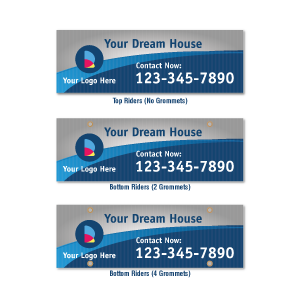
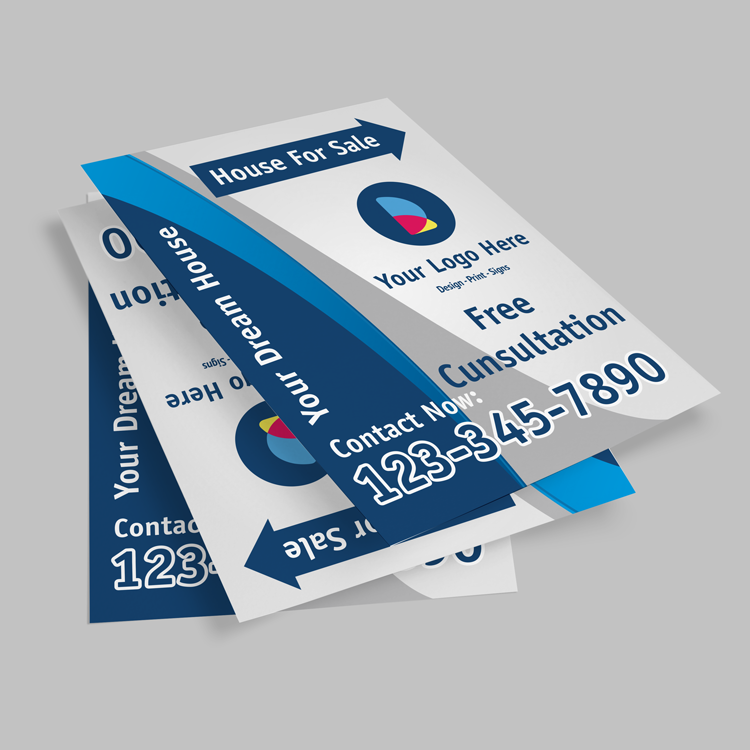
- Realtor signage: For Sale, Open House, and directional signs sized for standard frames; add rider signs for features like “New Listing” or “Sold.” Explore our signs catalog.
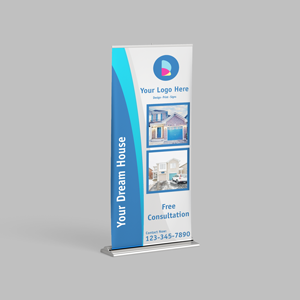
- Portable displays: Design marketing materials and 33 × 81 in roll-up banners for lobby or event setups.
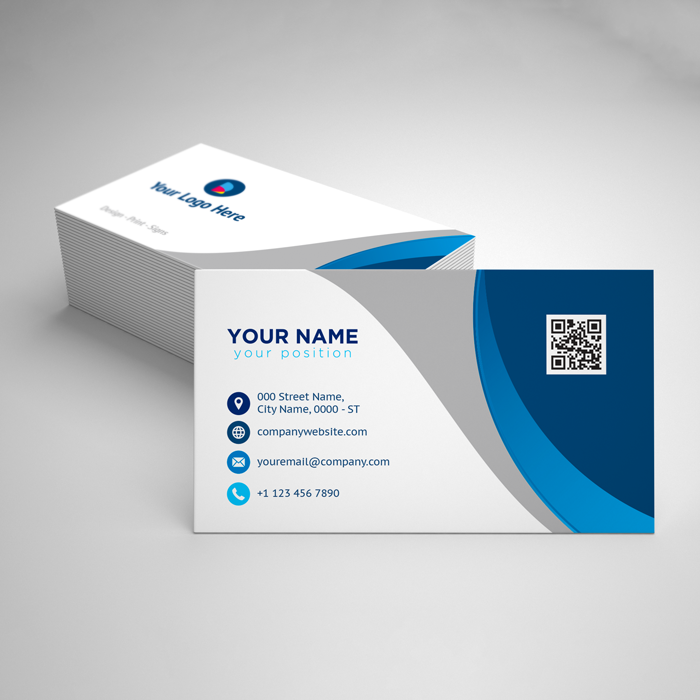
- Business essentials: Build cards using our business card designer and lock brand colors across teams.
- Neighborhood marketing: Create postcards and EDDM-style pieces or door hangers for farm areas.
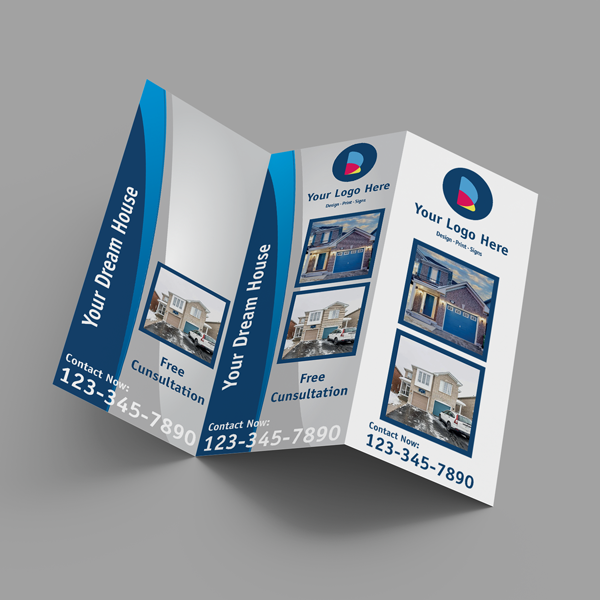
- Content pieces: Brochures (tri-fold, Z-fold, half-fold), presentation folders, stickers, and table tent cards.
Not sure how rider signs fit a listing plan? We cover the strategy in our signage guidance and templates. The short version: riders call out selling points and are easy to swap without reprinting the main panel.
Best practices for print‑ready files
Use CMYK color, 300 ppi images, and 0.125 in bleed. Keep text 0.125–0.25 in from edges, embed fonts in PDF, and avoid thin 0.25 pt lines on dark backgrounds. These settings prevent color shifts, fuzzy photos, and trimming issues.
Color and resolution
- Color mode: Convert artwork to CMYK before export to reduce on-press shifts.
- Resolution: Keep photos and headshots at 300 ppi at final size. Avoid upscaling low-res MLS images.
- Black builds: For rich black solids, use a CMYK build like 60/40/40/100; for small text, 0/0/0/100 prevents fuzz.
Bleed, margins, and trim
- Bleed: Add 0.125 in bleed on all sides so color and backgrounds wrap beyond trim.
- Safe area: Keep essential text and logos 0.125–0.25 in from edges to protect against minor trim variance.
- Hairlines: Avoid rules thinner than 0.5 pt on dark backgrounds; they can disappear on press.
Typography and branding
- Font embedding: Export PDF/X with fonts embedded; avoid system font substitutions.
- Hierarchy: Use 24–36 pt for sign headlines; 10–11 pt for body text on brochures for readability at arm’s length.
- Brokerage standards: Lock colors and fonts once, then reuse a master template for all listings.
Recommended specs by product
| Product | Canvas size | Bleed | Safe area | Finish option | Pickup eligible |
|---|---|---|---|---|---|
| Business Cards | 3.5 × 2 in | 0.125 in | 0.125 in | Raised spot UV / Foil | Yes (select items) |
| Flyers | 8.5 × 11 in | 0.125 in | 0.25 in | Gloss / Matte | Yes |
| For Sale Sign | 24 × 18 in | 0.125 in | 0.25 in | UV-resistant inks | Yes |
| Open House Sign | 24 × 18 in | 0.125 in | 0.25 in | Double-sided | Yes |
| Roll-up Banner | 33 × 81 in | 0.125 in | 0.5 in | Anti-curl film | Yes |
If you’re new to print, rely on templates first. They lock these measurements so you can focus on copy, photos, and callouts that sell the property.
Tools and resources you’ll use
Start with pre-sized templates inside our browser tool, then use swatch libraries, brand color presets, and export profiles (PDF/X). Add master templates for teams and keep a shared assets folder for logos and headshots to reduce setup time.
- In-tool templates: Pre-sized canvases for cards, flyers, brochures, yard signs, and banners.
- Brand swatches: Save CMYK and HEX values once, then reuse across all pieces.
- Asset library: Organize MLS photos, brokerage logos, and agent headshots by folder.
- Export presets: PDF/X with embedded fonts and 0.125 in bleed for consistent output.
- QA checklist: Color mode CMYK, images at 300 ppi, bleed added, safe margins confirmed, no typos.
Planning an event or open house series? Templates combined with a shared asset library can cut your setup time by half, while keeping every touchpoint consistent.
Case studies and real-world examples
Agents and local owners use the tool to launch listings and promos quickly. Templates, CMYK presets, and 0.125 in bleed reduce reprints. Paired with local pickup, you can move from layout to in-hand materials within hours when timing is tight.
- Open house sprint: A Mississauga agent duplicated a preapproved yard sign, updated address and time, exported to PDF with bleed, and confirmed same-day pickup—all before lunchtime.
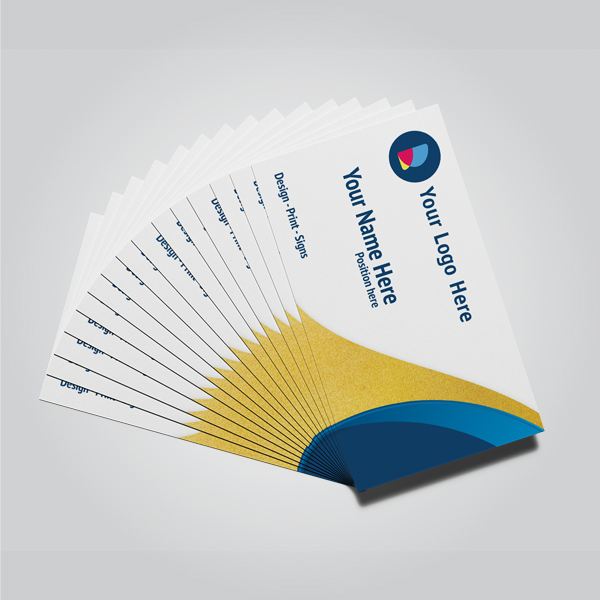
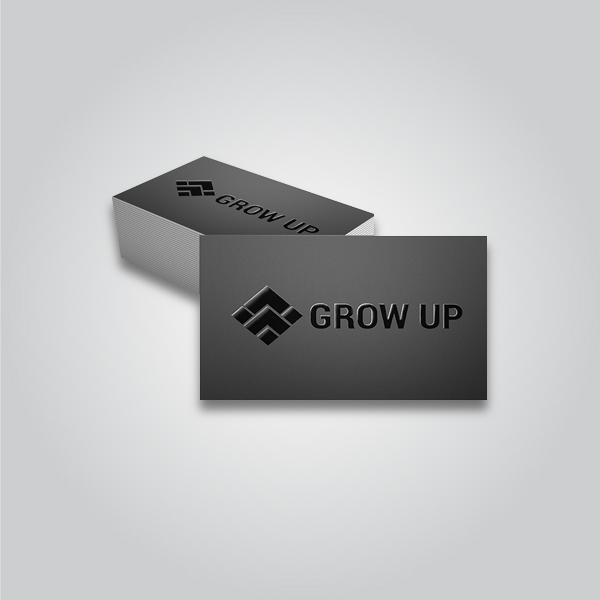
- Luxury card refresh: A broker switched to raised spot UV on a 3.5 × 2 in template, embedded fonts, and exported PDF/X. The tactile finish aligned with their premium listing photos.
- Farm-area push: A team produced door hangers and postcards using saved CMYK swatches and a shared library of headshots and sold markers, coordinating drops around weekend tours.

Common pitfalls and how to avoid them
Most file issues trace back to RGB color, missing bleed, and low-resolution images. Convert to CMYK before export, add 0.125 in bleed, set photos to 300 ppi at final size, and keep text inside safe margins to prevent reprints.
- RGB artifacts: Converting late can mute reds and oversaturate blues; start in CMYK.
- Missing bleed: Backgrounds cut short at trim; add 0.125 in bleed to all sides.
- Low-res photos: Avoid upscaling; source originals at 300 ppi or reshoot a headshot.
- Font substitutions: Export with fonts embedded or outlines to avoid reflow.
- Tiny type: Keep brochure body text near 10–11 pt; avoid 8 pt on matte stocks.
When in doubt, run a preflight check. The tool flags low-resolution images and missing bleed so you can fix issues before uploading your PDF.
Local pickup and turnaround tips
For fastest results, design in the tool, export PDF with 0.125 in bleed, upload, and choose local pickup at 5004 Timberlea Blvd Unit#18. Within the Regional Municipality of Peel, this minimizes travel and keeps your listing schedule on track.
Our Mississauga pickup is a straightforward stop between showings and staging runs. If you’re coordinating multiple assets—yard sign, riders, and open house materials—batch your exports so everything uploads together.
- Plan buffers: Export files at least the night before an open house; avoid last-minute edits that risk typos.
- Calendar stacking: Sequence business cards, door hangers, and signs so you collect them in a single visit.
- Weather-aware: For outdoor signs, choose UV-resistant inks and double-check stake/frame compatibility.
Local considerations for 5004 Timberlea Blvd Unit#18
- Transit timing: If you rely on buses, plan around Tomken Station East Platform A schedules when booking same-day pickup.
- Seasonal prep: Winter curb appeal shifts fast; keep extra riders on hand to swap messaging as conditions change.
- Neighborhood cadence: Early-evening pickups help you place directional signs near Red Brush Park foot traffic without morning rush.
If you’re running a new-home marketing push, community timelines and neighborhood rhythms matter. Local housing activity and event calendars can shape when your materials get the most visibility in Mississauga.
Ordering, resources, and navigation
Use product categories to move fast: start with signs, then add marketing materials and postcards. Our guides cover door hanger campaigns and open house setups, so you can plan everything from a single browser session.
- Browse all sign options for Realtors and local businesses.
- Build campaigns with marketing materials and leave-behinds.
- Target neighborhoods using postcards and maps.
- Learn how to run a door-hanger campaign that drives local leads.
- Set up your event space using our open house display guide.
For business cards, the browser-based card designer keeps fonts, foil accents, and raised spot UV aligned with your brand.
Frequently Asked Questions
You can design most common print products in your browser, export a press-ready PDF with 0.125 in bleed at 300 ppi, and pick up in Mississauga. Below are concise answers to frequent setup and workflow questions.
Do I need pro design software to use this tool?
No. The online design tool runs in your browser. It includes templates, CMYK presets, and export settings. You can upload logos, place photos, adjust colors, and export a PDF/X with bleed—all without installing separate software.
What file format should I upload when ordering?
Export a print-ready PDF with 0.125 in bleed and embedded fonts. Avoid low-resolution JPGs for text-heavy pieces. If images are used, ensure they’re 300 ppi at final size to prevent blur on press.
Can I match my brokerage’s brand colors and fonts?
Yes. Save your CMYK values and fonts as presets in the tool, then reuse them across business cards, signs, door hangers, and brochures. This keeps your listings and marketing consistent.
How fast can I get my prints?
Select items are eligible for same-day pickup in Mississauga. Export your PDF with bleed, upload early, and choose local pickup at 5004 Timberlea Blvd Unit#18. We’ll confirm timing during order processing.
What’s the safest way to avoid trimming errors?
Add 0.125 in bleed, keep text at least 0.125–0.25 in from edges, and export as PDF/X with fonts embedded. The tool’s preflight will flag missing bleed or low-resolution images before you upload.
Conclusion and next steps
The fastest path to reliable print is simple: start with a template, enforce CMYK and bleed, export PDF/X, and choose Mississauga pickup. This workflow cuts errors, protects brand consistency, and gets your materials in hand on schedule.
- Key takeaways: CMYK + 300 ppi + 0.125 in bleed prevents reprints and delays.
- Do this next: Save brand swatches and a master template for each product you order often.
- Local edge: Pickup at 5004 Timberlea Blvd Unit#18 to keep listing timelines tight.
Ready to design? Open a template in our browser tool, export with bleed, and schedule Mississauga pickup today.
For neighborhood planning inspiration and market rhythm context around Mississauga, see local community guides like this buyer’s overview, a practical checklist example, and a regional service-area reference such as this Mississauga page. Use them to time drops and open houses with local activity.