



 Our Price Brochure
Table tent cards for real estate events are small, folded displays that highlight key details, CTAs, and QR codes at open houses, broker tours, and seminars. Used on sign-in tables, kitchen islands, and refreshment stations, they guide guests to actions fast. At 5004 Timberlea Blvd Unit#18, Top Realtor Sign & Print produces event-ready tents with same-day pickup options.
By Ashwani — Top Realtor Sign & Print • Last updated: May 18, 2026

Above-Fold: Hook and Table of Contents
Use table tent cards to turn casual browsers into leads during open houses and tours. Place them at high-traffic touchpoints, display one clear action, and add a QR code. This guide shows you proven layouts, specs, and workflows that real agents use to capture more follow-up-ready contacts.
Here’s the thing: most guests won’t ask questions at busy events—but they will read what’s right in front of them. Set a tent card where eyes land, and you create a low-friction path to your sign-in form, listing packet, or private showing request.
- What table tent cards are and where they work best
- Winning copy, layouts, sizes, and paper stocks
- How to add QR codes that actually get scans
- Deployment checklists for open houses and broker tours
- Local logistics for Mississauga and the Regional Municipality of Peel
- Real examples using Top Realtor Sign & Print services
Quick Summary
Table tent cards act like tiny, always-on reps at your event. Keep one CTA, one QR, and minimal copy. Use 4×6 or 5×7 inches on 14–16 pt stock, set three to five per room, and pair with your brochures and business cards. Prep files 24 hours ahead for smooth, same-day pickup.
- Best placement: entrance table, kitchen island, brochure station, refreshment area.
- Core elements: headline, micro-proof (1 line), QR/short URL, and contact.
- Design rules: large type, high contrast, and 0.125 inch bleed in print files.
- Performance habit: track scans and form fills for each property address.
What Are Table Tent Cards for Real Estate Events?
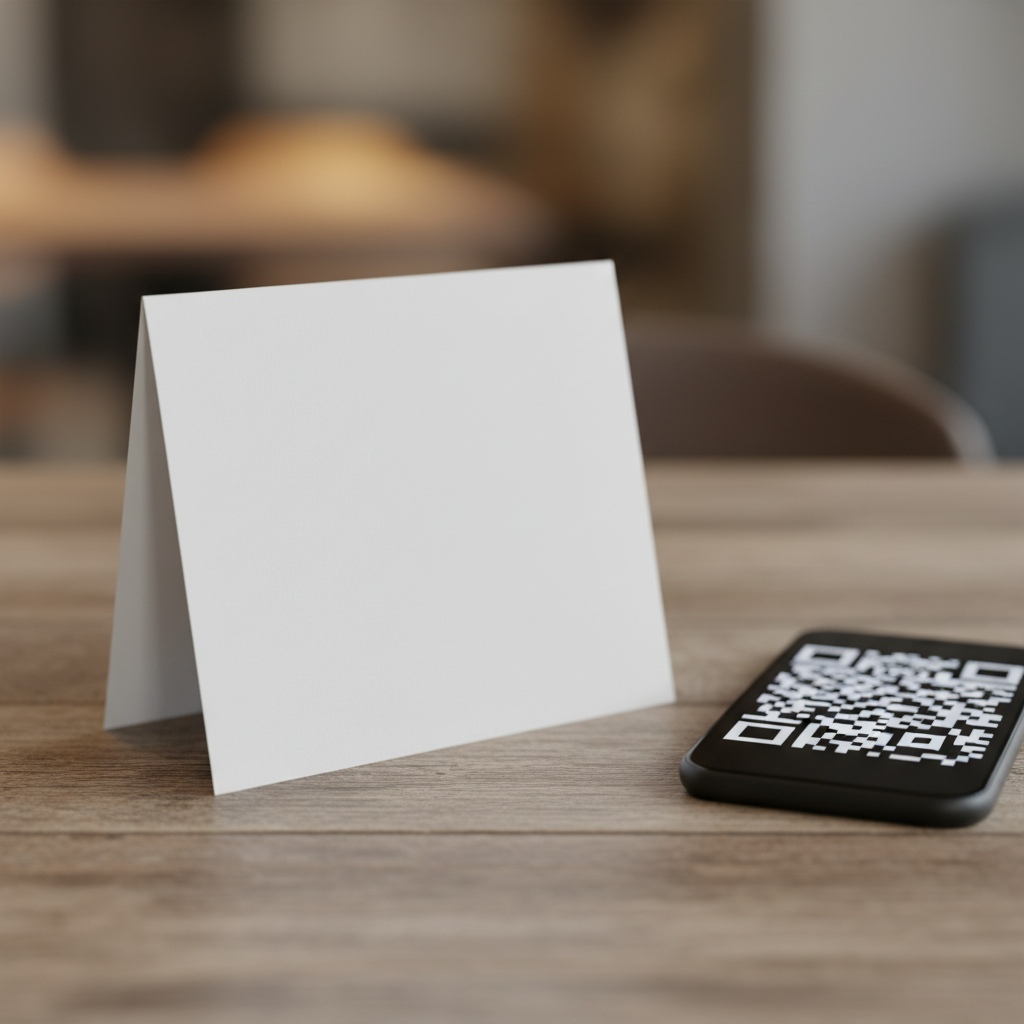
They’re folded, freestanding cards that deliver a single, focused message at open houses, new development launches, and real estate seminars. Think of them as micro billboards for calls to action—sign in, download the feature sheet, watch a video tour, or book a private showing—right where guests pause.
In plain terms, table tents provide context and direction in the exact moment attendees are deciding what to do next. Because they stand on their own, they don’t need holders and can be moved in seconds to follow traffic flow.
- Common use cases in real estate
- Open house sign-in prompts next to the guest book or tablet.
- Feature sheet downloads via QR code near brochure stacks.
- Neighborhood amenity map links at kitchen or dining tables.
- Offer-deadline reminders at the exit path or shoe area.
- Ideal pairings
- Place tents beside printed table tents and matching brochures for a unified look.
- Align the color palette with your marketing materials checklist so brand recall stacks across touchpoints.
Why Table Tent Cards Matter at Open Houses and Tours
Table tents convert passive interest into measurable actions. They anchor one message at the exact place a decision happens—sign-in, download, or book. With a bold headline and scannable QR, they lift response rates without extra staff and make every room quietly ask for the next step.
Guests glance for two to three seconds at surfaces they approach. A clear “Scan for feature sheet” beats a vague brand statement. Place tents at the kitchen island where people linger, near coffee stations, or next to stacks of brochures and business cards.
- Benefits you’ll notice fast
- Consistent calls to action: Every room repeats the same next step.
- Less friction: QR codes beat URL typing on mobile during a home tour.
- Better follow-up: UTM-tagged links show which house and table got the scan.
- Brand coherence: Colors, fonts, and tone match your signs and flyers.
- Connect the dots with signage
- Use tents in tandem with open house signage strategy to guide attention from curb to kitchen.
- Reinforce the CTA on your open house checklist so every asset points to the same action.
How Event Table Tents Work in the Buyer Journey
Event table tents intercept attention at micro-moments. They reduce cognitive load by offering one action at a time—scan, sign, or book—and remove the need to ask staff for help. Measured with simple UTM tags, tents reveal which rooms and messages drive real engagement.
Think through the buyer flow: front door → sign-in → explore kitchen/living → view bedrooms → exit. Place three to five tents along that path so visitors always have a next action in view. Keep each piece focused on one task to avoid choice overload.
- Flow-aligned placements
- Entrance: “Sign in for full photo gallery.”
- Kitchen: “Scan for feature sheet + disclosures.”
- Primary bedroom: “Request private showing.”
- Exit: “Get neighborhood report + comps.”
- Simple measurement framework
- Create unique QR links per property and per room.
- Use short slugs like /123main-kitchen so you can see which location wins.
- Review scans, page time, and form completions post-event.
Table Tent Cards for Real Estate Events: Sizes, Materials, and Layouts
Choose 4×6 or 5×7 inches for most open houses; go 4×9 for narrow counters or 5×9 for bold headlines. Print on 14–16 pt cover with matte or soft touch for glare control. Keep a 0.125 inch bleed, 0.25 inch safe margin, and set QR codes at least 1 inch wide.
Specs matter because guests often view tents from three to five feet away and under mixed lighting. High-contrast color, legible type, and a scannable QR ensure action without staff intervention.
- Popular sizes and when to use them
- 4×6 inches: Small counters, bathroom vanity reminders, tight spaces.
- 5×7 inches: General purpose; best balance of visibility and footprint.
- 4×9 inches: Narrow ledges, bar carts, brochure stands.
- 5×9 inches: Long headlines, big QR, open kitchens with distance.
- Paper and finish
- 14–16 pt cover for stability; add matte to avoid reflections under pot lights.
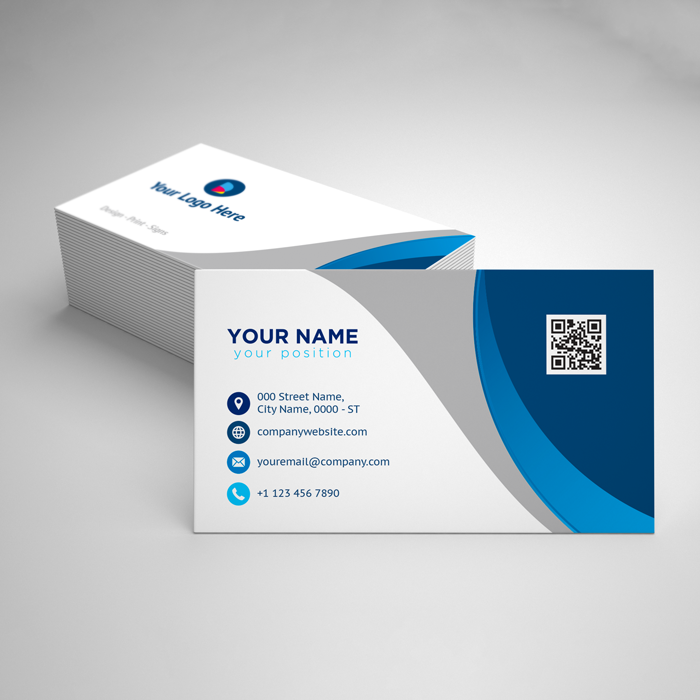
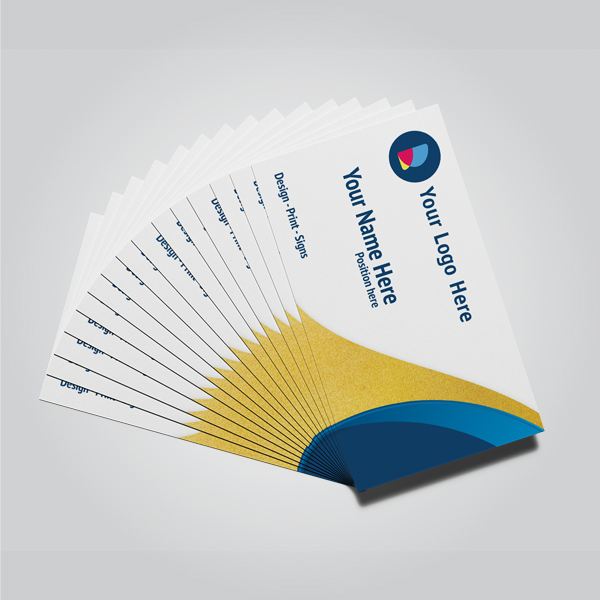
- Soft touch finish pairs well with luxury branding and foil-accent business cards.
- Production checklist
- Export CMYK PDF with 0.125 inch bleed and crop marks.
- Outline fonts or include packaged fonts with your file.
- Keep QR code at least 1 inch square; test-scan at arm’s length.
- Use brand hex colors consistently across tents, brochures, and banners.
Design and Copy Best Practices for Realtors
One message, one action. Lead with a five- to seven-word headline, back it with a single proof line, and place a large QR with a short fallback URL. Use high-contrast colors, 18–36 pt type, and brand-aligned imagery that doesn’t fight the call to action.
We’ve found that clarity beats cleverness. When working with agents, the tents that win most often say exactly what the guest gets after scanning. That simple promise reduces hesitation and increases follow-through.
- Copy framework (fill-in-the-blank)
- Headline: Get [Thing] in [Time] (e.g., “Get Full Gallery Now”).
- Proof: [Short trust cue] (e.g., “Hosted by local broker”).
- CTA: Scan to [Action] (e.g., “Scan to View Feature Sheet”).
- Design guardrails
- Type sizes: ~32–36 pt headline, 18–22 pt subline, and generous spacing.
- Contrast ratio: Dark text on light background or vice versa.
- White space: Keep at least 0.25 inch margins around QR and CTA.
- Brand integration
- Match tents with your open house kits, brochures, and tents for a cohesive look.
- Carry the same palette onto business cards and roll-up banners so the brand reads as one system.
Tools, Templates, and Proofing Workflow
Work from a reusable template, export print-ready PDFs with bleed, and proof on screen and on paper. Keep a shared text file for headlines and links per address. Finalize 24 hours before the event so you can use same-day pickup without last-minute edits.
Templates save time and reduce errors, especially when you manage multiple listings. A consistent file naming convention makes reorders and revisions painless.
- Template setup
- Create master files for 4×6 and 5×7 inches with bleed and safe zones.
- Store brand assets (logos, colors, fonts) in one folder per brokerage.
- Content management
- Keep a spreadsheet tracking property address, QR target URL, and UTM tags.
- Maintain pre-approved copy blocks for sign-in, feature sheet, and showing requests.
- Proofing steps
- On-screen: 100% zoom for typography, 200% for edges and QR clarity.
- Paper test: Print on standard paper at size to check legibility at three feet.
- Device test: Scan QR from iOS and Android under warm indoor light.
- Helpful references
- See a practical property viewing guide to align tents with your showing flow.
- Review transaction templates so your CTAs match next-step paperwork.
- Explore mobile feature checklists when linking to app-based sign-ins.
Case Studies and Setups Agents Can Copy
Replicate proven placements: three tents in the kitchen (gallery, sheet, comps), one at the entrance (sign-in), and one at the exit (private showing). Track each tent’s QR to see which message pulls. This simple layout reliably increases completed forms and qualified follow-ups.
In our experience supporting GTA agents, the best-performing setups are simple, repeatable, and branded. Here are field-tested scenarios you can adapt this weekend.
- Open house kitchen hub
- Island: “Scan for feature sheet” with big QR.
- Snack area: “See full gallery + video.”
- Pantry door: “Request private showing.”
- Broker tour rapid-fire
- Living room table: Neighborhood report link.
- Primary suite dresser: “Book second-look slot.”
- Exit console: “Get disclosure package.”
- Condo launch event
- Registration desk: “Pre-register for pricing updates.”
- Model kitchen: “Download floor plans.”
- Amenities board: “Watch 90-second tour.”
Local Mississauga Logistics and Same-Day Options
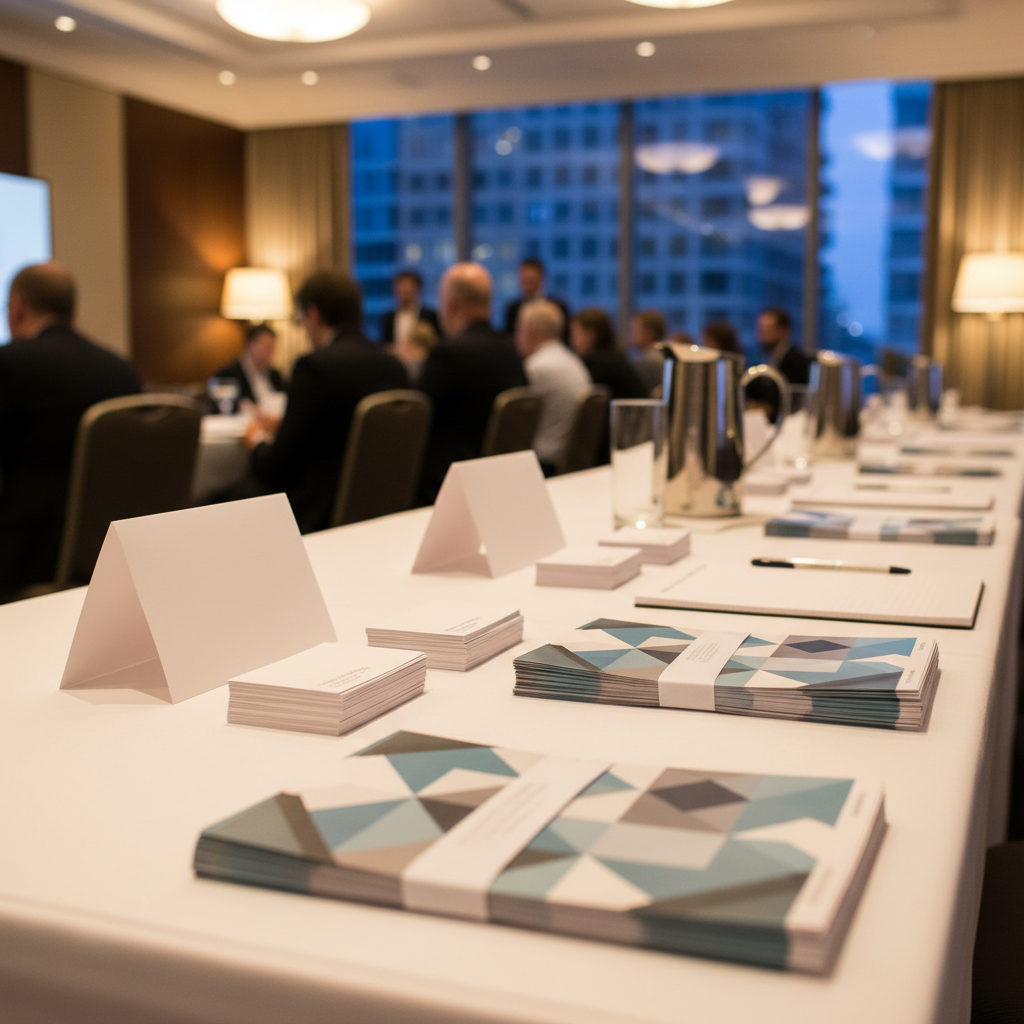
For agents near 5004 Timberlea Blvd Unit#18 in Mississauga, same-day pickup helps you recover from last-minute changes. Serving the Regional Municipality of Peel, our team prints tents, brochures, and signs in-house, so you can finalize artwork by noon and deploy at afternoon showings.
Local context matters. Weather swings and traffic windows can shift your plan, so keep extra tents and a backup QR ready. When you need a quick reprint, being minutes away saves the day.
Local considerations for 5004 Timberlea Blvd Unit#18
- Transit access: If your crew rides transit, time pickups around Tomken Station East Platform A schedules to avoid delays when loading kits.
- Seasonal timing: Winter dusk arrives early—set high-contrast tents and add warm ambient light near the entrance to keep scans easy.
- Nearby audiences: Weekend events around Canadore College at Stanford Mississauga Campus can spike foot traffic—stock extra brochures and tents just in case.
Need a matched set fast? Pair tents with brochures and roll-up banners for visual consistency. Our agent packages streamline ordering when you’re juggling multiple listings.
Printing Specs, Quantities, and Turnaround (No Pricing)
Plan three to five tents per main room, plus two for entrance and exit. Export CMYK PDFs with bleed, finalize artwork at least 24 hours ahead, and label files by property address. Same-day pickup is ideal for reprints and late-breaking changes when schedules shift.
Quantity depends on layout and traffic. A 2,000-square-foot detached with a finished basement often benefits from 12–16 tents spread across high-touch areas. Smaller condos usually run well with six to eight.
| Phase | Timing | Action | Owner | Notes |
|---|---|---|---|---|
| Plan | T-5 days | Define 1 CTA per room; draft copy and links | Agent | Limit to 10–12 words per headline |
| Design | T-3 days | Build templates; embed QR; add UTM tags | Designer | QR ≥ 1 inch wide; high contrast |
| Proof | T-2 days | On-screen + paper test; device scan | Agent + Assistant | Check iOS and Android under warm light |
| T-1 day | Export CMYK PDF w/ bleed; submit order | Agent | File name: 123main_tent_kitchen.pdf | |
| Deploy | Event day | Place tents; wipe surfaces; confirm QR loads | On-site Team | Add hand sanitizer near sign-in |
| Review | T+1 day | Check scans and forms; refine next event | Agent | Update copy bank with winners |
When you’re ready to print, our table tent product page lists finish options that pair well with your cards, brochures, and banners.
Pairing Tents with the Rest of Your Marketing System
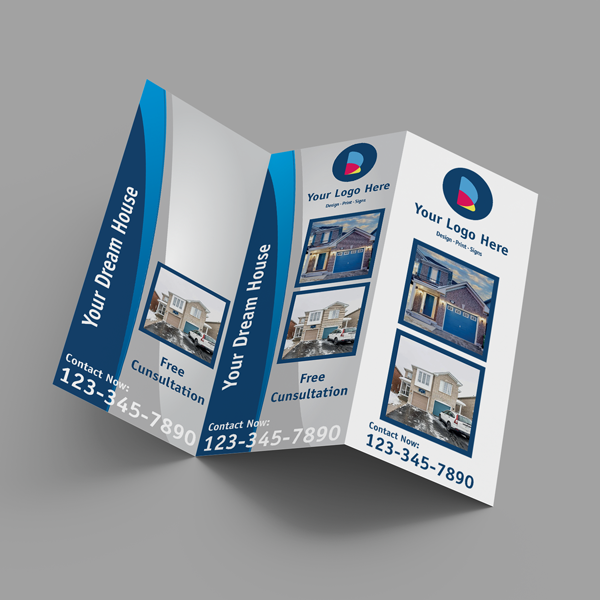
Tents work best as part of a kit: curb signs pull traffic, banners set context, brochures inform, and tents convert interest into action. Align your colors and CTA language across assets so guests see one brand and one clear next step everywhere they look.
Consistency multiplies impact. Your tents should echo the promise on your sidewalk sign and the headline on your brochure cover. The more unified the message, the easier it is for guests to say “yes.”
- Smart pairings
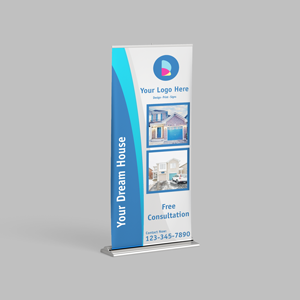
- Roll-up banners: Claim a backdrop and reinforce the key benefit.
- Brochures: Deepen details; place a tent that points to the PDF download.
- Business cards: Match finishes—soft touch or raised UV—for tactile recall.
- Door hangers: After-event neighborhood follow-up to reach missed buyers.
- Where to explore next on our site
- Browse the table tent category for specs.
- Use our open house signage guide to plan your curb-to-kitchen path.
Frequently Asked Questions
Agents ask most about size, QR best practices, deployment, and how many tents to print. Keep sizes at 4×6 or 5×7 inches, use one QR per tent, place three to five per main room, and track scans with unique URLs so you can see which messages actually convert.
What size table tent works best for open houses?
Most agents prefer 5×7 inches for visibility without crowding surfaces. Use 4×6 inches for tight counters or bathroom vanities, and 4×9 inches for narrow ledges. Keep headlines large and QR codes at least 1 inch wide for reliable scanning.
How many table tents should I bring?
Plan three to five per main room plus two for the entrance and exit. For a typical detached home, that’s often 12–16 tents. Smaller condos usually work well with six to eight. Place them where guests pause: entrance, kitchen island, brochure table, and refreshment area.
What should I print on the tent besides a QR code?
Use a clear headline, one-line proof (for trust), a large QR code, and a short fallback URL. Include your name and phone, but don’t crowd the card. One message per tent performs best—examples: “View Feature Sheet,” “Book Private Showing,” or “See Comps.”
Do table tents replace brochures at events?
No. Tents are prompts; brochures inform. Use tents to point to the right brochure stack or a digital PDF. Place both together so guests can choose to scan, take a brochure, or do both. The pairing increases recall and makes follow-up smoother.
Conclusion and Next Steps
Treat table tent cards as your event’s quiet closer. Keep them simple, bold, and aligned to one action. Deploy three to five per room, measure results, and refine the copy that converts. When you’re ready, print locally for fast pickup and a flawless, brand-consistent kit.
- Start with one repeatable template in 5×7 inches.
- Define a single CTA per room and prewrite copy blocks.
- Test-scan every QR at arm’s length under warm light.
- Order early—or use same-day pickup—so execution stays calm.
Ready to put this into practice? Create your design in our browser-based editor and submit a print-ready file. We’ll produce sturdy, event-ready tents that match your signs, brochures, and business cards—on time for your next showing.
Key Takeaways
- One card, one action: focus beats clutter every time.
- Use 4×6 or 5×7 inches on 14–16 pt stock with matte or soft touch.
- Place three to five tents per main room at natural pause points.
- Track scans with unique URLs to learn which messages win.
- Leverage local same-day pickup to handle last-minute changes.
Soft CTA: Have a file and need a sanity check? Send us your PDF. We’ll confirm bleed, margins, and QR readability before printing—so you walk into your event confident.