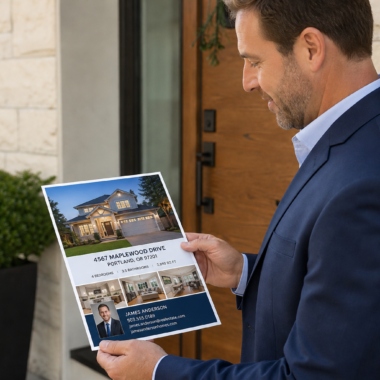

Yes—you can order flyers without design software. Use our browser-based design editor to create, proof, and submit print-ready flyers online, then choose same-day pickup at 5004 Timberlea Blvd #18 in Mississauga. This guide shows exactly how to design fast, avoid common file-prep mistakes, and get professional results using our in-house tools.
By Ashwani — Top Realtor Sign & Print
Last updated: June 22, 2026
Above-Fold: Why this guide matters + What you’ll learn
Ordering flyers without design software is straightforward with an online editor. You’ll customize a template, check bleed and margins, approve a live proof, and submit the order for pickup or delivery. This guide walks you through specs, finishes, and local pickup steps so you can hit marketing deadlines with confidence.
Here’s the thing: deadlines don’t wait for software installs or designer schedules. Our editor lets agents and local businesses build polished flyers in minutes—no Illustrator or Photoshop required.
- Step-by-step process for designing and ordering flyers online
- Specs that matter: size, bleed (0.125 in), safe area, and 300 ppi
- Paper choices, finishes, and when to pick each option
- Smart pickup planning in the Regional Municipality of Peel
- Checklist to avoid common, time-killing prepress errors
Jump straight to what you need:
At a Glance
You don’t need pro software to produce quality flyers. Use our online design tool, follow standard print specs (CMYK, 300 ppi, 0.125 in bleed), and approve a live proof. Choose same-day pickup for urgent needs in Mississauga. This approach delivers professional results while protecting your brand standards.
In our experience supporting busy Realtors, the fastest orders come from on-brand templates plus a tight checklist. The combination reduces edits, minimizes reprints, and keeps listings on schedule—even when you’re juggling back-to-back showings.
What is “ordering flyers without design software”?
Ordering flyers without design software means creating print-ready artwork in a web browser instead of tools like Photoshop. You pick a template, customize colors and images, and the system handles bleed and export. It’s purpose-built for fast, brand-safe results without file-prep headaches.
Put simply, the browser is your design app. You log in, select a template sized correctly (for example, 5.5 × 8.5 inches with 0.125-inch bleed), drop in listing details, and approve a live digital proof. No downloads, no plugins, no fonts to install.
- Who it’s for: Realtors, brokerages, and local businesses that need speed and brand consistency.
- Why it works: Templates are locked to real print specs, so bleed, margins, and resolution stay on target.
- When to use it: Open houses, new listings, just-sold campaigns, event promos, and neighborhood mailers.
For real estate teams, this sits alongside signs and riders as core marketing. When you coordinate flyers with your Open House signs and directional signs, you create a 360° presence around the neighborhood.
Can I order flyers without design software? Yes—here’s how
Yes. Use our online design tool to customize a flyer in minutes, approve a proof, and select same-day pickup. Standard print rules apply: use CMYK color, 300 ppi images, and 0.125-inch bleed. This workflow removes the need for Illustrator or Photoshop while preserving professional quality.
You might be wondering if the results match “designer-level” work. The reality is, templates engineered to brokerage standards—paired with quality paper and finishes—deliver a polished, on-brand piece. We built our editor for that exact outcome so agents can move fast without sacrificing look and feel.
- Build in the browser using our online design tool.
- Use photos sized to at least 300 ppi at final dimensions; avoid screen grabs.
- Keep vital text inside a 0.125–0.25 in safe area to prevent trimming.
- Exporting is automatic—no need to set bleed or crop marks manually.
- Choose same-day printing if you’re on a tight timeline.
Why this matters for Realtors and local businesses
Speed and brand control win listings and foot traffic. A browser-based editor cuts design time, reduces back-and-forth, and locks specs to print standards. The result: on-brand flyers in hours, aligned with your For Sale signs, riders, and open house materials.
Signs spark attention from the street; flyers carry the details into someone’s hand. When both align—colors, fonts, tone—prospects recognize your brand within seconds. Consistent branding across a yard sign, a direction arrow, and a handout converts attention into showings.
- Faster cycles: Template-driven edits reduce revisions by double digits in our shop’s day-to-day flow.
- Brand safety: Locked fonts, colors, and sizes keep you compliant with brokerage guidelines.
- Local agility: Same-day pickup means you can respond to listing changes or weather-related date shifts quickly.
- Omnichannel impact: Use the flyer layout as a base for postcards, brochures, and door hangers.
We’ve found that agents who use a single master template for “Just Listed,” “Open House,” and “Sold” materials reduce production decisions by a dozen or more per job, which removes friction during busy weeks.
How ordering flyers without design software works (step-by-step)
The workflow is simple: pick a template, drop in content, review a dynamic proof, and submit your order. Select paper and finishes, then choose pickup or delivery. Following this sequence protects print quality while minimizing edits and delays.
- Pick a size: 4 × 6, 5.5 × 8.5, or 8.5 × 11 inches are the most requested.
- Choose a template: Start from a brokerage-ready layout in our online editor.
- Add content: MLS title, bullet highlights, features, and high-res photography.
- Check specs: CMYK, 300 ppi, 0.125 in bleed; keep text inside safe area.
- Paper & finish: Gloss text for vibrant images; matte or silk for a refined feel.
- Proof & submit: Approve the live proof; the system packages a print-ready file.
- Pickup plan: Choose same-day flyer pickup when urgency is high.
| File-prep item | Why it matters | Target |
|---|---|---|
| Color mode | Accurate print color | CMYK |
| Resolution | Crisp photos & text | 300 ppi at size |
| Bleed | Edge-to-edge printing | 0.125 in all sides |
| Safe area | Prevents text trimming | 0.125–0.25 in inside trim |
| Fonts | Brand compliance | Brokerage-approved |
Once you approve the proof, our system generates a press-ready package. There’s no need to export PDFs or add crop marks—this is handled automatically to reduce human error and keep production moving.
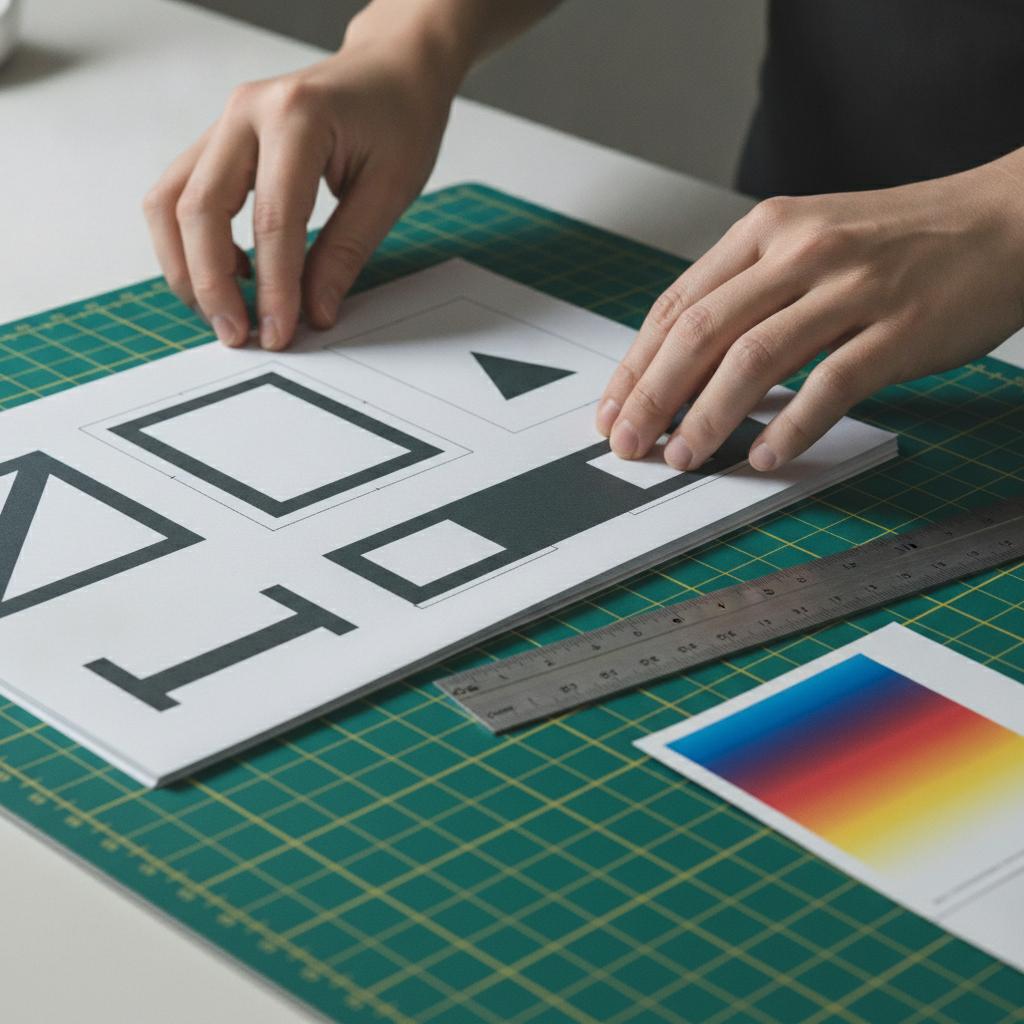
Types, methods, and approaches (no software needed)
You have three main paths: start from a browser template, upload finished assets into the editor, or hand off content for in-house design. Templates are fastest; handoff is best when branding or layout needs expert polish.
Template-first (fastest for new listings)
- Choose a ready-made layout sized for 4 × 6, 5.5 × 8.5, or 8.5 × 11 inches.
- Swap in photos, headline, features, and CTA.
- Great for “Just Listed,” “Open House,” and “Just Sold.”
Upload-and-tweak (reuse existing assets)
- Import your brand logo and photos, then adjust color and placement.
- Maintain consistency across flyers, postcards, and door hangers.
- Ideal for brokerages maintaining strict brand kits.
In-house design assist (when you need a pro)
- Provide copy, images, and brand notes; our team lays out the design.
- Best for complex multi-property or amenity-heavy flyers.
- Pairs well with custom graphics or maps.
Not sure which route to choose? Here’s a quick rule of thumb: if the flyer supports a single property with 4–6 highlights, a template gets you there in minutes. If you’re explaining amenities, schools, or transit at length, a custom layout reads easier.
Best practices: specs, content, and brand alignment
Follow print-basics (CMYK, 300 ppi, 0.125 in bleed), tighten copy to 60–120 words per block, and use one clear CTA. Align colors and typography with your signs and business cards. This keeps the piece scannable, on-brand, and ready to hand to buyers minutes before a showing.
Content structure that sells
- Hook headline in 6–10 words.
- Three to five scannable bullets for features (bed/bath, lot size, upgrades).
- One primary CTA (QR, short URL, or “Visit Saturday 2–4 PM”).
Visuals that print cleanly
- Use high-resolution photos; 300 ppi at final size prevents pixelation.
- Prefer natural light images; balanced exposure reproduces better on paper.
- Keep faces and key details away from trim; hold back at least 0.25 inches.
Brand alignment across channels
- Match colors to your signs and same-day business cards.
- Use brokerage-approved fonts; avoid mixing more than two families.
- Repurpose the design into brochures and postcards to reinforce recognition.
When your flyer’s headline matches the rider on the For Sale sign, people connect the dots instantly. If you’re new to riders, our related guide on what a rider sign is used for will help you map messaging across formats.
Tools, resources, and local considerations
Use our online design tool for layout, pick paper to match your message, and plan pickup based on Mississauga traffic windows. Locally grounded choices—like same-day pickup and weather-aware scheduling—keep campaigns on track around 5004 Timberlea Blvd #18.
Two paper families cover most needs: gloss text (vivid photos and bold color) and silk/matte text (a softer, premium feel). For durability or a postcard-style handout, jump to thicker cover stocks. Finishes like soft touch add a tactile moment that buyers remember.
- Online design tool: Build the file properly, right in your browser.
- Pickup options: Plan around peak traffic in the Regional Municipality of Peel.
- Same-day flyer pickup: Submit earlier for tighter timelines.
Local considerations for 5004 Timberlea Blvd Unit#18
- Time your pickup to avoid rush windows; proximity to Tomken Station East Platform A can influence traffic flow near our shop.
- Weather swings affect open house turnout. If rain moves in, pivot messaging in the editor and reprint the same day.
- Serving nearby campuses like Canadore College at Stanford Mississauga Campus? Tailor flyers with concise program or amenity callouts.
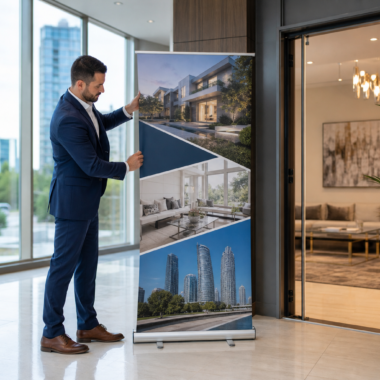
Need a hand deciding between sizes, stocks, or finishes? A quick chat with our counter team often clarifies the best path—especially when you’re pairing flyers with yard signs, riders, or a roll-up banner for a lobby setup.

Need a 10-minute file check?
A fast prepress review catches issues before they hit the press. Share your layout, and we’ll verify bleed, margins, and image quality so you can print confidently today.
Request a quick check when you submit your order in the editor, or stop by the counter for a second set of eyes. It’s the simplest way to protect color, sharpness, and trim accuracy.
Mini case studies: real scenarios from Ontario agents
Templates plus same-day pickup help agents meet surprise deadlines. With a few edits—headline, photos, dates—you can turn a listing sheet into a handout in the same afternoon. Coordinating finishes and colors ensures it feels like part of your sign kit.
Open house weekend, weather shift
A Mississauga agent planned a Saturday open house. Forecast changed on Friday. They swapped the date and added a QR for virtual tour, approved the proof, and picked up fresh flyers ahead of doors opening.
- Lesson: Lock your layout early; keep the date/CTA editable for last-minute shifts.
- Spec to remember: 0.125 in bleed; safe text at 0.25 in keeps changes clean.
Brokerage rebrand rollout
A regional team updated its palette and fonts. Using our editor, they rebuilt the base flyer in under an hour and pushed the new look across postcards and door hangers that same week.
- Lesson: Centralize brand elements in the editor so changes cascade quickly.
- Spec to remember: Load vector logos; rasterize only when necessary to keep edges crisp.
Condo amenity spotlight
A downtown listing competed with several similar units. The agent added an amenity sidebar—gym, pool, dog run—and highlighted transit in one concise map graphic from our graphics portfolio.
- Lesson: If your differentiators are lifestyle-based, dedicate 30–40% of space to them.
- Spec to remember: Keep body copy blocks to ~60–120 words for scanability.
Common mistakes and how to avoid them
Most reprints trace back to file-prep errors: no bleed, RGB images, or crowded margins. Use CMYK, set 0.125-inch bleed, keep text inside a 0.125–0.25-inch safe area, and proof headlines carefully. A 30-second checklist prevents days of delay.
- Forgetting bleed: White slivers at edges after trimming. Solution: 0.125 in bleed on all sides.
- RGB images: Dull print color. Solution: Convert to CMYK before upload.
- Tiny type: Hard-to-read details. Solution: Keep body 9–11 pt; headlines 20–36 pt.
- Wall-of-text: Low engagement. Solution: Bullets plus a single CTA.
- Overcrowded logos: Cluttered look. Solution: Respect clear space equal to the logo’s x-height.
For more layout pitfalls—and how to fix them—see our notes in brochure printing mistakes. The same principles apply to flyers, just at smaller sizes.
Tools and resources
Your essentials: a browser-based editor, high-res images, and a clear message. Our templates handle sizing, bleed, and export. Pair them with paper and finish choices that match your brand tone and the context where the flyer will be used.
- Design in your browser with print specs baked in.
- Same-day printing in Mississauga when timelines are tight.
- Extend the campaign: convert the flyer into postcards, brochures, and door hangers.
- Explore visual inspiration in our graphics portfolio.
If you’re coordinating a full listing kit, remember the ecosystem: flyers, For Sale signs, open house arrows, riders, and business cards. The more consistent each piece, the faster buyers recognize you from the curb to the kitchen island.
Frequently Asked Questions
Here are clear answers to common ordering questions, from file specs to pickup timing. Each response is concise and practical so you can move from idea to printed flyers without roadblocks.
Do I need Photoshop to order flyers?
No. Our online design tool lets you create, proof, and submit flyers right in your browser. Templates include correct sizes, bleed, and margins, so you can focus on content and images without installing design software.
What resolution and color settings should I use?
Use images at 300 ppi at final size and work in CMYK for accurate print color. Our editor enforces these specs during proofing and flags common issues before you submit your order.
Can I get flyers the same day in Mississauga?
Yes. Choose same-day printing during checkout and plan pickup at 5004 Timberlea Blvd #18 in Mississauga. When timelines are tight, submit earlier in the day to keep production moving.
What sizes and papers work best for real estate flyers?
Common sizes are 4 × 6, 5.5 × 8.5, and 8.5 × 11 inches. Gloss text shows photography vividly; silk or matte reads premium and reduces glare at showings. For a postcard feel, choose heavier cover stocks.
Key Takeaways
Skip the software, not the quality. Use a browser editor with print specs baked in, keep copy scannable, and align finishes with your sign kit. Same-day pickup in Mississauga keeps your timeline intact.
- You can order flyers without design software using our online editor.
- Print-perfect specs: CMYK, 300 ppi, 0.125 in bleed, safe margins.
- Pick papers and finishes that match your message and environment.
- Plan pickup windows around local traffic to stay on schedule.
Ready to get moving? Start in the online design tool, or drop by the shop for a quick consult.
Conclusion: Order pro flyers today—no software needed
Ordering flyers without design software is practical, fast, and brand-safe. Use our templates, follow core specs, and coordinate with your sign kit for a unified presence. With local pickup in Mississauga, you’ll be ready for showings and events without delays.
If you’re nearby, stop in at 5004 Timberlea Blvd #18. Prefer to stay in the field? Build and approve your flyer on a laptop between appointments, then select same-day pickup. Your marketing doesn’t have to wait.
Looking to strengthen your visuals alongside print? This realtor photography guide offers ideas for capturing images that reproduce cleanly. For creative leaflet inspiration, browse an advertising leaflet showcase. And for a different take on flyer layouts, explore a flyer design example.