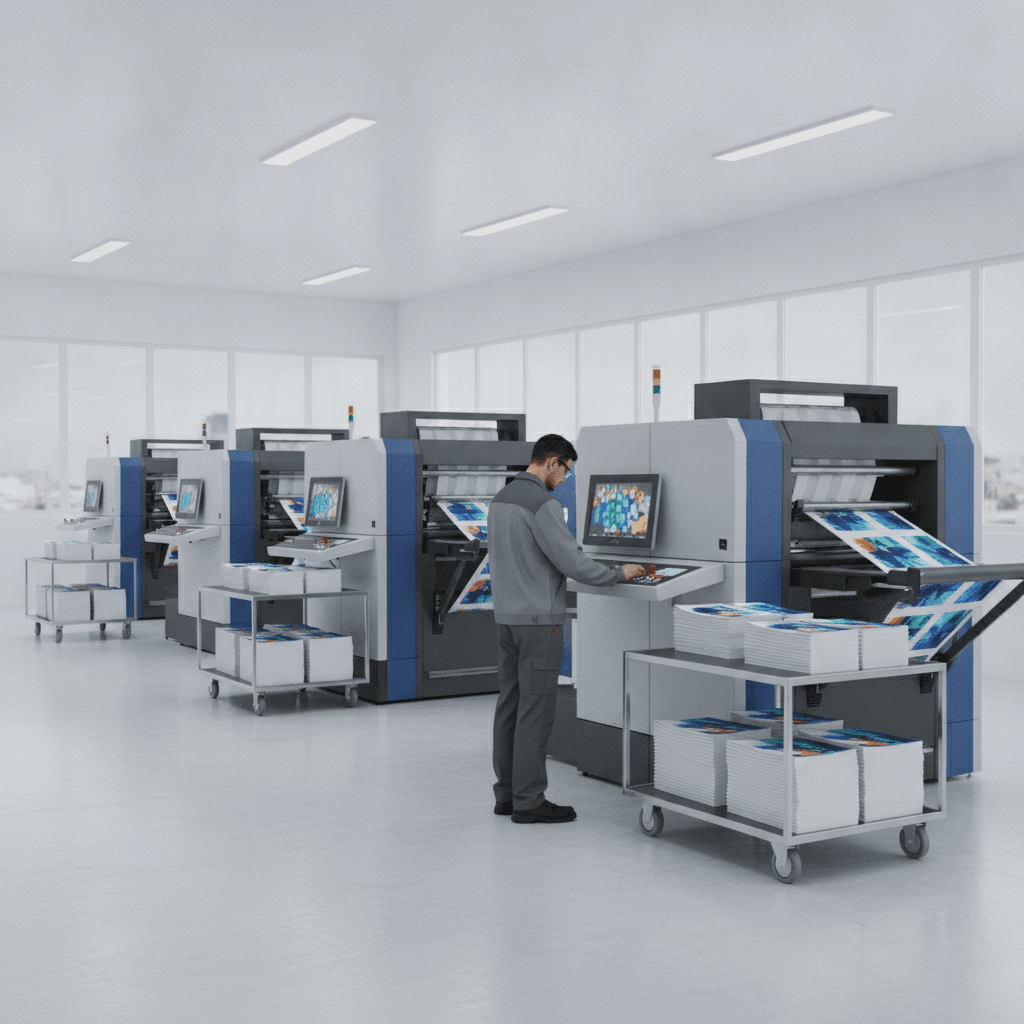
Brochure printing turnaround is the time from proof approval to finished, folded brochures in hand. For standard digital tri‑folds with print‑ready files, same‑day or next‑day is achievable; complex finishes often take 1–3 extra days. In the 5004 Timberlea Blvd Unit#18 area of Mississauga, local pickup is the fastest path to completion.
By Ashwani — Top Realtor Sign & Print | Last updated: 2026-06-27
Introduction
Fast brochure printing is a coordination exercise. When you supply press‑ready files, choose in‑stock paper, stick to standard folds, and approve proofs quickly, digital brochures can be produced in one business day. Add coatings or special stocks, and you should plan an extra 1–3 days for finishing and curing.
If you’re wondering how fast brochure printing can be done, the short answer is: it depends on files, finishes, and approvals. This how‑to guide shows you exactly how to reduce friction and hit tight launch dates—especially helpful for real estate teams, open houses, and local business events around Mississauga.
- What truly controls speed: artwork readiness, paper availability, finishing complexity.
- How to prepare files that flow straight to press with no back‑and‑forth.
- Step‑by‑step actions to secure same‑day or next‑day production slots.
- Local pickup tactics to avoid delivery delays near 5004 Timberlea Blvd Unit#18.
Quick Summary
Most brochure jobs finish in 24–72 hours when artwork is correct and stock is on hand. Digital runs are fastest; offset and specialty finishes take longer. You’ll speed delivery by sending print‑ready PDFs, approving proofs fast, and choosing in‑stock paper and standard folds for bindery efficiency.
Here’s the big picture: digital presses eliminate plate‑making and dry‑time, so short runs move quickly. Offset is ideal for volume but needs setup and scheduling. Premium coatings or foils add stages and cure time. The levers you control—files, specs, and approvals—decide how fast brochure printing can be done.
Turnaround times by print method
Digital brochure printing is typically the fastest, often within one business day when files are press‑ready. Offset runs require more setup and usually take 2–4 business days. Specialty coatings and laminates add 1–3 days to allow for curing and extra handling in finishing.
Print method drives the baseline schedule. Digital production excels at short runs and rapid changes because it prints directly from your PDF. Offset shines on consistency and high volumes but introduces plate‑making, make‑ready, and drying. Finishing steps—lamination, raised spot UV, or foil—layer on time for application and cure.
- Digital (short runs): same‑day or next‑day possible with press‑ready PDFs and in‑stock text papers.
- Offset (volume): 2–4 business days typical, plus bindery; excellent for uniform color on large quantities.
- Specialty finishes: soft‑touch laminate, raised spot UV, or foil add 1–3 days due to coating and curing.
- Bindery: tri‑fold, Z‑fold, or half‑fold adds hours to a day depending on quantity and paper weight.
Real‑world example: A brokerage needs 500 tri‑folds for weekend showings. With print‑ready files by 10 a.m., we queue digital printing before lunch, fold in the afternoon, and enable pickup by end of day. Add soft‑touch laminate and raised spot UV, and we schedule finishing over the next 1–2 days.
Before You Start (Prerequisites)
Your fastest path is a print‑ready PDF with correct size, bleeds, CMYK color, and embedded/outlined fonts. Choose an in‑stock paper and a standard fold, then approve the soft proof immediately. These three moves remove most bottlenecks that slow brochure printing down.
Preparation determines speed. File issues, unclear specs, and delayed approvals routinely add 24 hours or more. If you ask how fast brochure printing can be done, the honest answer is: as fast as your files and decisions allow. Use this preflight list before you upload artwork.
- Export correctly: CMYK at 300 dpi, 0.125 in bleeds, crop marks, fonts embedded or outlined.
- Standard sizes: 8.5 × 11 in tri‑fold; 11 × 17 in half‑fold; unusual sizes can require custom finishing.
- Paper selection: pick in‑stock satin or gloss text to avoid supplier lead times.
- Panel math: ensure the inside panel on a tri‑fold is slightly narrower for a clean nest.
- Brand assets: lock brokerage logos and CMYK values to prevent last‑minute color edits.
Need a head start? Our brochure page and in‑house design team can supply press‑checked templates and do a rapid preflight so your files go straight to print without detours.
Step-by-Step Process: From file to finished brochures
To get brochures the fastest: finalize content, use a vetted template, export a press‑ready PDF, choose in‑stock paper, place your order early, and approve proofs instantly. Avoid special coatings on rushes and plan local pickup to eliminate delivery time.
1) Lock content and assets
- Gather final copy, photos, disclosures, and brokerage‑approved logos before layout begins.
- Confirm brand colors in CMYK; keep spot colors out unless specified for offset.
2) Start from a proven template
- Use a press‑checked tri‑fold template sized 8.5 × 11 in with bleeds and panel widths set.
- Templates reduce errors and speed approvals—crucial for next‑day goals.
- Our graphics portfolio showcases layouts that fold cleanly and print predictably.
3) Export a press‑ready PDF
- Set CMYK, 300 dpi images, 0.125 in bleed, crop marks on; flatten transparencies if needed.
- Outline or embed fonts so your text renders exactly as designed on press.
4) Choose speed‑friendly specs
- Pick in‑stock satin or gloss text papers; avoid special‑order textures on rush jobs.
- Stick to standard tri‑fold, half‑fold, or Z‑fold for automated bindery.
5) Submit early
- Morning submissions get the best chance at same‑day printing in a busy press queue.
- Supply accurate quantity and pickup details to prevent rescheduling.
6) Approve immediately
- Respond to the soft proof within the hour; your job holds its place in line.
- For color‑critical work, request a hard proof and plan the added review time.
7) Plan pickup and QA
- Coordinate a pickup window aligned with folding completion; bring a vehicle sized for cartons.
- Open the first carton in‑store to verify fold accuracy and panel order before leaving.
Follow this sequence and you’ll consistently see 1–2 day turnarounds on standard specs. Skipping templates or delaying approval is the most common reason a “tomorrow” job becomes “Monday.”
Paper, folds, and finishes that change timelines
In‑stock satin or gloss text papers print and fold fastest. Specialty textures, soft‑touch lamination, raised spot UV, and foil stamping look premium but extend schedules for coating, curing, and extra handling. On hard deadlines, prioritize standard paper and a basic fold.
Paper affects both feel and speed. Heavier cover stocks or textured papers can require slower drying and careful folding. Coatings boost durability and tactile appeal yet add time. The choice is strategic: launch quickly on standard specs, then upgrade finishes on your next wave.
- Fastest papers: 100 lb gloss or silk text—common, in‑stock, and bindery‑friendly.
- Standard folds: tri‑fold, half‑fold, Z‑fold—efficient on automated folders.
- Slower options: soft‑touch laminate, raised spot UV, metallic foil—expect 1–3 extra days.
- Durability vs. time: laminates resist scuffs during distribution but need curing time.
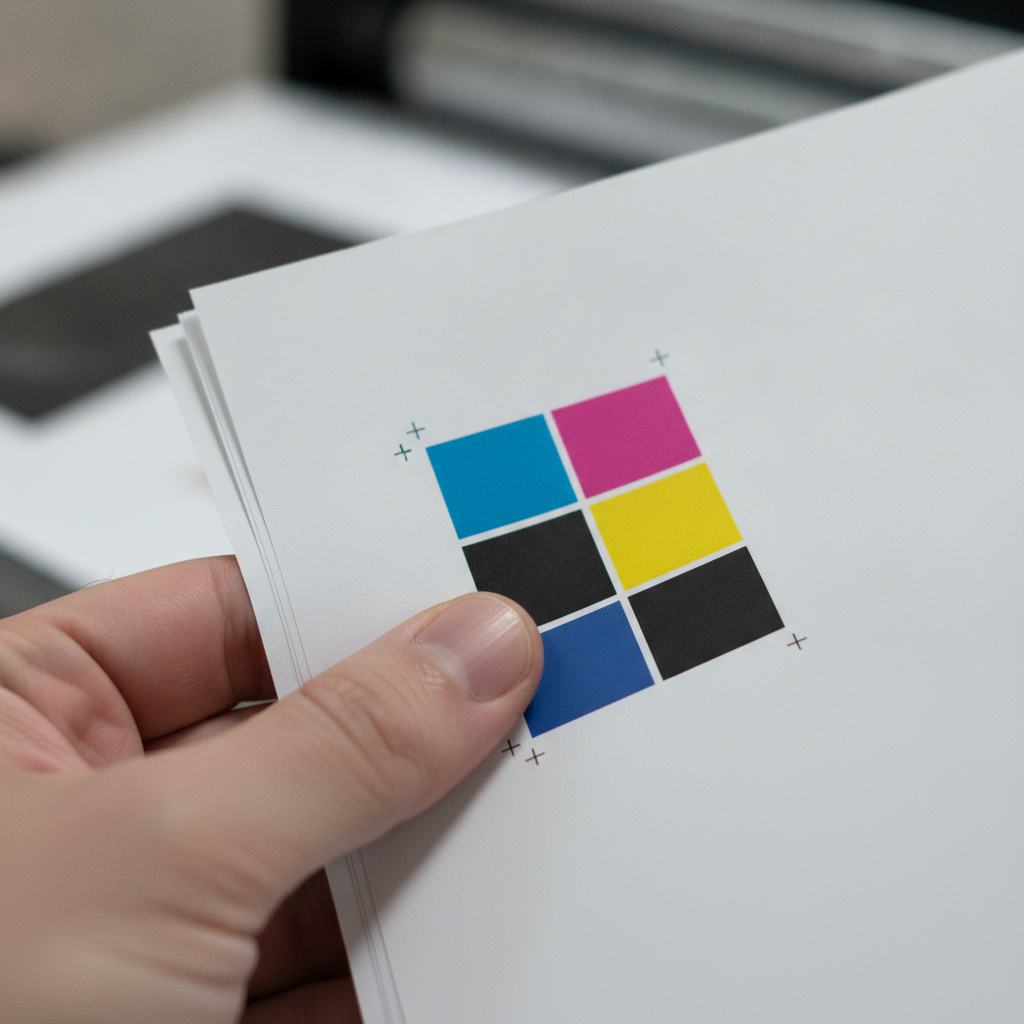
For Realtor kits, we often launch tri‑folds fast, then schedule a follow‑up batch with soft‑touch and raised spot UV for longer campaigns. It’s a simple way to balance immediacy with brand polish.
Scheduling, queueing, and local pickup
Submit early, approve fast, and choose pickup to beat shipping windows. Press queues load in the morning; early files secure earlier print slots. Local pickup removes carrier delays and puts brochures in your hands the moment finishing is complete.
Production flows through a queue. Jobs with complete files and quick approvals move first. Pickup is the quickest handoff because it eliminates transit time and delivery uncertainties. Align your timeline with press capacity and bindery completion to maximize speed.
- Morning advantage: files received by mid‑morning are most likely to print the same day.
- Proof velocity: answering within an hour can preserve your slot and shave a day off the schedule.
- Pickup beats shipping: same‑day handoff is possible once folding and boxing are finished.

Coordinating an open house? Sync your pickup with staging and route planning. Bundle other essentials—like cards or inserts—so everything moves together. Our invitation & greeting cards category is a handy add‑on for event packets.
Free file check, faster schedule: Share your PDF, fold, and paper choice. We’ll preflight, confirm the timeline, and reserve the next available press slot. Need help with layout? Our design team can adapt your content into a press‑ready tri‑fold today.
Troubleshooting: common delays and quick fixes
Four issues slow brochure printing most: non‑press‑ready files, late approvals, special‑order papers, and complex finishes that must cure. Preflight your PDF, approve proofs fast, choose in‑stock stock, and reserve specialty coatings for timelines with buffer.
We log the bottlenecks we see so you can avoid them. Here are the recurring culprits—and how to solve them quickly.
- RGB or low‑res images: convert to CMYK at 300 dpi; soft prints or color shifts trigger re‑exports.
- Missing bleeds/panel sizing: add 0.125 in bleeds; ensure inner tri‑fold panel is slightly narrower.
- Special‑order stock: stick with in‑stock satin or gloss text for rushes.
- Premium finishes on a rush: look great but add stages; schedule them on your second wave.
When a hiccup happens, speed is about response time. Fixing and re‑uploading within the hour often protects your place in the queue.
Advanced tips: go fast without sacrificing quality
Standardize templates, batch versions, and save export presets. Group quantities to minimize setups, and target mid‑week submissions when press time is steadier. Launch standard specs first; schedule premium finishes on reprints to keep momentum.
Experienced teams build systems that save hours on every job. These tactics protect color, polish, and pace—so your brochure looks right and lands on time.
- Template library: maintain a tri‑fold and half‑fold master with guides and panel math baked in.
- Version smartly: keep a common brochure spine; swap a single panel for agent‑specific details and print together.
- Proof protocol: designate one approver; consolidate feedback into a single round.
- Color realism: accept slight variance on digital runs; request hard proofs only when color is mission‑critical.
- Early‑week rhythm: Tuesdays and Wednesdays often have steadier queues than Mondays or Fridays.
For real estate kits, align brochures with open house signs, riders, and postcards. If you’re exploring rider usage, our teams can advise where a rider sign message complements brochure content on the lawn or at the entry.
Turnaround options at a glance
Choose digital for the quickest brochures, offset for high‑volume planning, and specialty finishes for premium impact when timelines allow. Opt for local pickup to eliminate shipping time and unlock the earliest possible handoff from bindery.
| Option | Typical Timeline | Best For | Speed Levers |
|---|---|---|---|
| Digital (standard) | Same day to next day | Short runs, fast needs | Press‑ready PDF, in‑stock paper, early approval |
| Offset (volume) | 2–4 business days | Large quantities, color consistency | Lock quantities early, approve soft proof fast |
| Digital + premium finish | +1–3 business days | Premium look/feel | Plan curing time; avoid rushes |
| Local pickup | Immediate on completion | Fastest handoff | Coordinate window; skip shipping |
Use this table to spot trade‑offs quickly. Your exact schedule will track with specs, file readiness, press capacity, and how quickly you approve your proof.
Local considerations for 5004 Timberlea Blvd Unit#18
- Time your pickup around traffic patterns near Tomken Station East Platform A to avoid rush‑hour delays.
- During peak real estate weekends, prioritize standard digital tri‑folds to meet open house timelines.
- Staging near Red Brush Park? Bundle same‑day flyer or business card pickups alongside brochures to streamline routes.
Additional Resources
Round out your kit with templates, preflight checklists, and coordinated collateral. Pair brochures with cards, invitations, and signage. Use our in‑house design support when you need a press‑ready layout on a tight timeline.
Explore ways to keep everything on brand and on schedule:
- See our current brochure options for folds, papers, and finishes aligned to fast turnarounds.
- Browse design and graphics examples for layout ideas that fold cleanly.
- Coordinate event inserts with our invitation & greeting cards category.
For context on distributed production models that prioritize speed, Shopify’s print‑on‑demand overview outlines how on‑demand workflows compress timelines by printing only after order confirmation. Their additional guide explains how fulfillment partners integrate printing and logistics to reduce handling steps. For broader commercial branding context, see this branding services overview.
Frequently Asked Questions
Fast brochure printing depends on file readiness, paper availability, finishing choices, and quick proof approvals. Digital short runs with standard folds are fastest; specialty finishes and special‑order papers add handling and cure time that extend schedules.
How fast can brochure printing be done if I have press‑ready files?
With press‑ready PDFs and in‑stock paper, many digital brochure runs complete within one business day. Approving the soft proof quickly and choosing a standard fold helps secure the earliest press slot and the fastest possible pickup window.
Do premium finishes slow down turnaround?
Yes. Laminates, raised spot UV, and foil stamping add coating, curing, and extra handling steps. For urgent timelines, print standard first, then schedule a premium finish on your next batch when the deadline is more flexible.
Is pickup faster than delivery for brochures?
Pickup is usually fastest because it removes carrier schedules and transit variability. You can take brochures the moment they’re boxed. If you prefer delivery, plan for additional time depending on the route and carrier capacity.
What file settings prevent delays on tri‑folds?
Export CMYK at 300 dpi with 0.125 in bleeds and crop marks. Outline or embed fonts. Set tri‑fold panel widths so the inner panel is slightly narrower; this prevents buckling and trimming issues during folding.
Key Takeaways
Speed is a set of choices: press‑ready files, in‑stock paper, standard folds, instant approvals, and local pickup. Premium finishes add time. Lock specs early, and you can complete brochures in one to three business days with confidence.
- Digital printing enables the quickest short‑run brochures.
- Print‑ready PDFs and rapid approvals save the most time.
- Standard papers and folds keep finishing predictable.
- Local pickup eliminates delivery uncertainty and accelerates handoff.
Conclusion
Most brochure projects complete in one to three business days when you control specs, files, and approvals. Choose digital for speed, reserve specialty finishes for reprints, and coordinate local pickup near 5004 Timberlea Blvd Unit#18 to meet non‑negotiable event dates.
You might be wondering, what’s the next best move? Send your PDF for a quick preflight. We’ll confirm the fastest timeline, help with any fixes, and schedule production so your brochures are ready exactly when you need them.