How same-day printing works
Most rush jobs follow a predictable flow:
- File check-in: Your artwork is received and screened for print readiness (size, bleed, color mode, and font handling).
- Proof approval: A digital proof or on-screen preview is confirmed. Production generally doesn’t start until you approve.
- Production: The job is queued, printed, trimmed, and finished (e.g., scoring or laminating if applicable).
- Pickup: You collect the order at the counter once it’s complete, or coordinate a courier if available.
What can often be printed today
Items that commonly qualify for rapid turnarounds include:
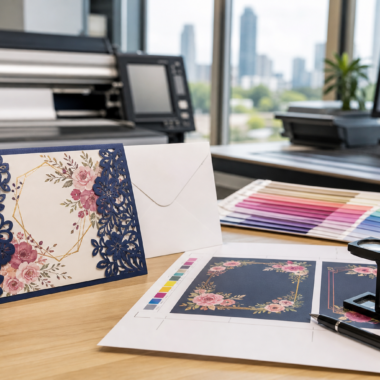
- Business cards: Standard digital runs can be produced quickly; select premium options may require more time. Some providers offer options for same-day pickup on key items.
- Flyers and postcards: Popular sizes on common stocks are well suited to same-day schedules.
- Brochures: Simple folds may fit a fast turn if trimming and folding are in-line with press capacity.
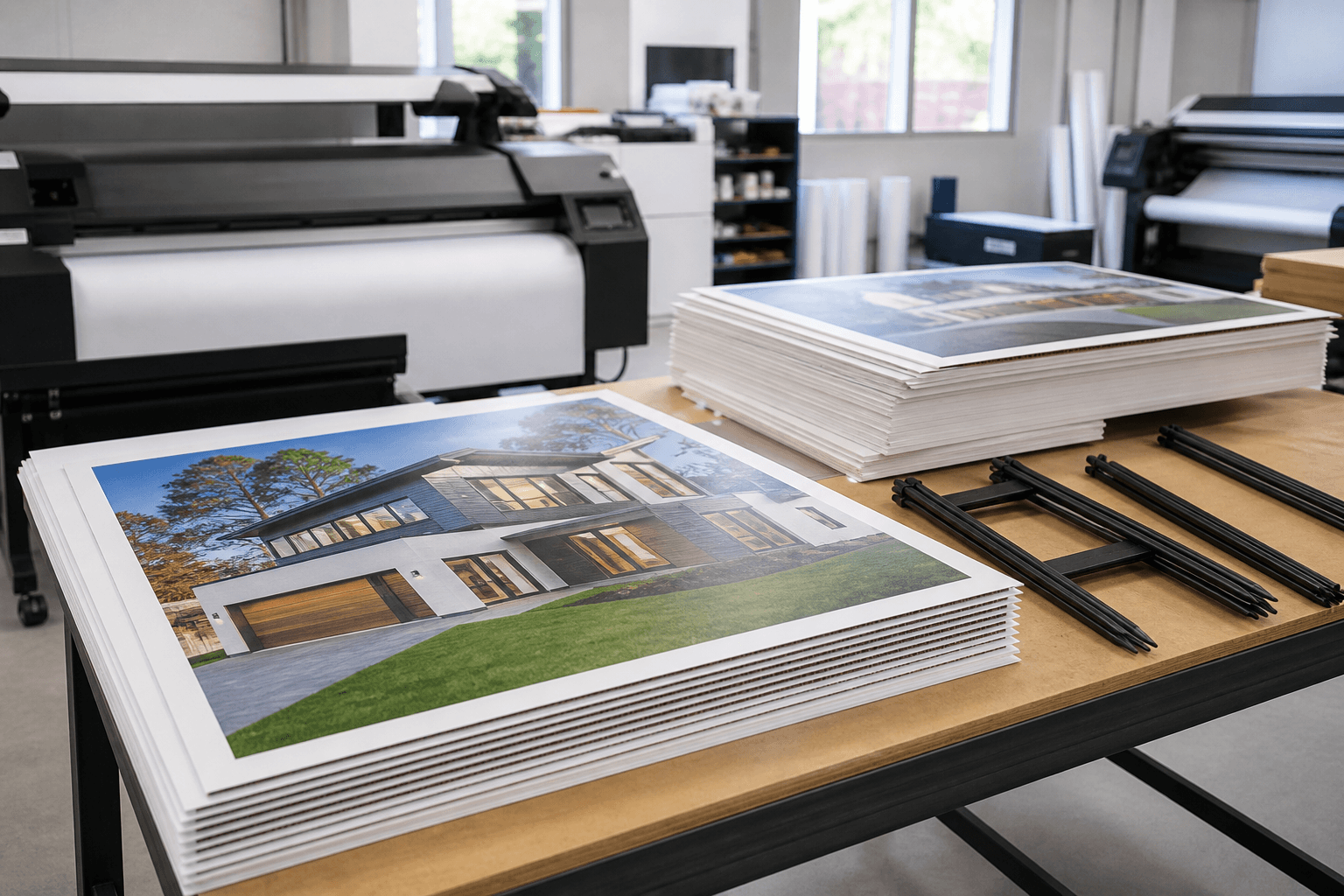
- Large-format signage: Posters, roll-up banners, and directional signs can often be produced quickly on large-format equipment when materials are on hand.
- Event and real estate signage: For Sale, Open House, and directional inserts may be feasible depending on substrate, size, and finishing.
Expect longer timelines for specialized embellishments (for example, unique laminations, foil accents, or raised spot effects) that add curing or finishing steps.
File prep checklist for speed
Clean, print-ready files are the single best way to convert hours into minutes. Use this checklist to improve your odds of same-day completion:
- Export a single, flattened PDF: Vector text and embedded images minimize font issues and missing links.
- Include bleed and safe areas: Add at least 0.125 inches (3 mm) of bleed around the perimeter, and keep critical content inside a safe margin.
- Match the final size: Set document dimensions to the finished trim size (plus bleed) to avoid scaling delays.
- Use CMYK color: Convert RGB elements to CMYK to reduce unexpected shifts.
- Outline or embed fonts: Prevent substitutions by outlining text or embedding fonts in your PDF.
- Check image resolution: Aim for 300 dpi at final size for small-format print; 150 dpi is often acceptable for large-format viewed at distance.
- Provide spot colors only when necessary: For digital rush work, full CMYK is typical; spot inks may add complexity.
- Name files clearly: Use descriptive file names that reflect the product, quantity, and version (e.g., “BusinessCard-J.Smith-Front-Back-v2.pdf”).
If you don’t have design software, many providers offer an online design tool to create print-ready artwork in your browser, which can be a time-saver on a same-day timeline.
File and turnaround questions for rush printing
Clarity upfront shortens production later. Ask these questions before you upload your files or place an order:
- Which products can be completed today? Confirm eligibility by item, size, paper or substrate, and finishing.
- What is the latest file-approval time for same-day pickup? Shops often have a cutoff to keep schedules realistic.
- Do you provide a digital proof? Understand how proofs are sent, how to approve them, and how approval affects timing.
- Are there in-stock materials that move faster? Substituting to readily available materials can preserve your deadline.
- How are color expectations handled? For rush work, color matching is typically based on press profiles; ask what to expect.
- What are my finishing options on a same-day schedule? Simple trims and folds are quickest; specialty coatings may require more time.
- How will pickup work? Confirm location details and when you will be notified that your order is ready.
Proofs and approvals on a deadline
In same-day scenarios, the approval stage is where delays most often occur. Keep it moving by:
- Consolidating feedback: Gather all changes into a single, final round of notes.
- Designating one approver: Group approvals multiply response time. Assign a single decision maker.
- Responding in-channel: Approve via the method the shop requests (portal, email reply, or form) to prevent miscommunication.
- Locking content before you order: Last-minute copy changes can push you past the cutoff.
Pickup vs. delivery considerations
Same-day projects are usually optimized for pickup to avoid transit delays. Plan for:
- Readiness notification: Wait for confirmation that your job is complete before heading to the shop.
- Packaging: Ask about boxing or roll options if you’ll transport large-format items or multiple sets.
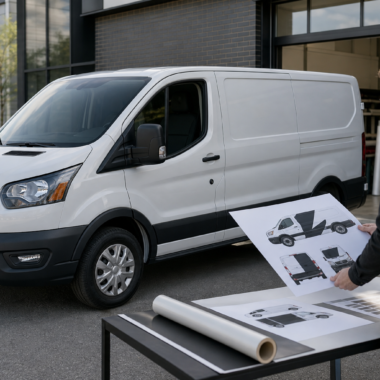
- Vehicle fit: Measure banners, signs, and rigid boards to ensure they fit in your vehicle safely.
If courier options are available, confirm estimated windows and whether same-day dispatch is realistic for your address and timeline.
Avoiding common delays
Even with a smooth shop process, small oversights can cost hours. Watch out for:
- Missing bleed or trim marks: Causes re-exporting and proofing delays.
- Unlicensed or missing fonts: Leads to font substitution or rasterization.
- Low-resolution images: Triggers quality checks and re-sourcing artwork.
- Ambiguous quantities or versions: If you need multiple names or variations, specify counts per version in your order notes.
- Unclear finishing instructions: Be explicit about single/double-sided printing, folding style, scoring, or hole placement.
Balancing speed and finish
On a same-day timeline, prioritizing essentials helps. Consider:
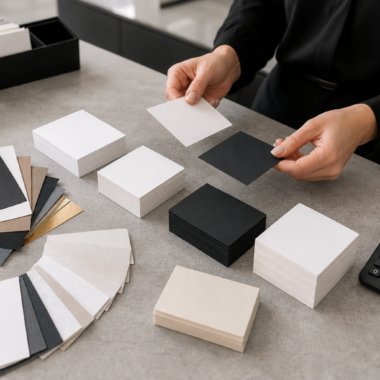
- Core vs. premium: Go with standard stocks and finishes for immediate needs. If you’re exploring premium touches such as foil, soft-touch laminates, or raised spot effects, plan an additional window for finishing.
- Interim runs: If you’re waiting on final brand assets, print a small batch for today’s event and schedule a larger, enhanced run later.
- Modular signage: Where possible, use riders or inserts that update quickly without reprinting full signs.
This approach keeps you visible now while setting up higher-touch pieces when time allows.
Designing fast without design software
If you don’t have access to desktop design tools, look for a provider that offers an online design editor. Browser-based tools let you:
- Start from templates sized to popular products (business cards, flyers, postcards, brochures, banners).
- Drop in your logo, headshot, and contact details once and reuse them across pieces.
- Export print-ready files with bleed automatically applied, reducing prepress back-and-forth.
For brand-critical work, ask whether in-house graphic design support is available to align layouts with your brand standards.
Real-estate and event use cases
Many same-day print needs arise from time-bound activities like open houses, listings, and events. Practical, fast-turn materials include:
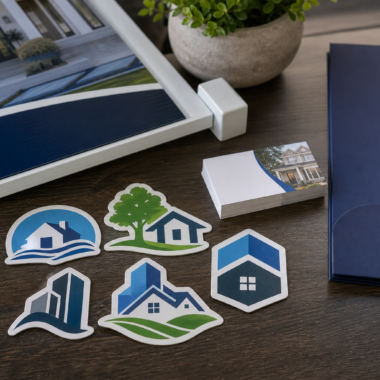
- Real estate essentials: For Sale, Open House, and directional signs; riders and insert signs; quick-turn business cards for new agents; property flyers or postcards for handouts.
- Event staples: Roll-up banners, table signage, brochures, and stickers that can be produced rapidly when standard materials are in stock.
When deadlines are fixed, lock content early and confirm which items are eligible for same-day pickup. Some providers explicitly offer same-day pickup on select items such as business cards and flyers.
Quality checks on a rush
Speed doesn’t have to mean guesswork. Build five minutes into your schedule for these quick validations before approving your proof:
- Brand details: Verify logos, brokerage/legal marks (if relevant), and contact details.
- Legibility: Check contrast and font size, especially for fine print or QR codes.
- Trim awareness: Ensure nothing critical sits outside the safe area.
- Back/front alignment: Confirm orientation on two-sided pieces.
- Image clarity: Zoom to 100% to confirm perceived sharpness at final size.
A simple day-of timeline template
- 8:30–9:30 a.m.: Finalize content; export print-ready PDFs.
- 9:30 a.m.: Place order and upload files; include clear notes on quantities, versions, and finishing.
- 10:00–10:30 a.m.: Review and approve digital proof promptly.
- Late morning–afternoon: Production, trimming, and finishing.
- Late afternoon: Receive pickup notification; collect order.
If your schedule slides, communicate early—shops can often suggest material or sizing tweaks that keep you on track.
FAQs
Can premium business card finishes be done the same day?
Premium finishes such as foil or raised spot effects often involve additional curing or finishing steps and may require more time. For absolute rushes, standard options are more likely to fit a same-day window; consider scheduling premium versions as a follow-up run.
How do I reduce color surprises on a rush job?
Work in CMYK, avoid transparency issues, and share any critical brand color values. Understand that digital presses on rush schedules typically use calibrated profiles; exact spot matching or specialty inks may not be feasible on a same-day timeline.
Is large-format signage realistic for same-day pickup?
It can be, particularly for posters, banners, and certain sign substrates the shop keeps in stock. Confirm material availability, finishing requirements, and size constraints before placing your order.
I don’t have design software—can I still order today?
Yes. Look for an online design tool to build print-ready files in your browser, or ask about in-house design support to prepare artwork that meets production specs quickly.