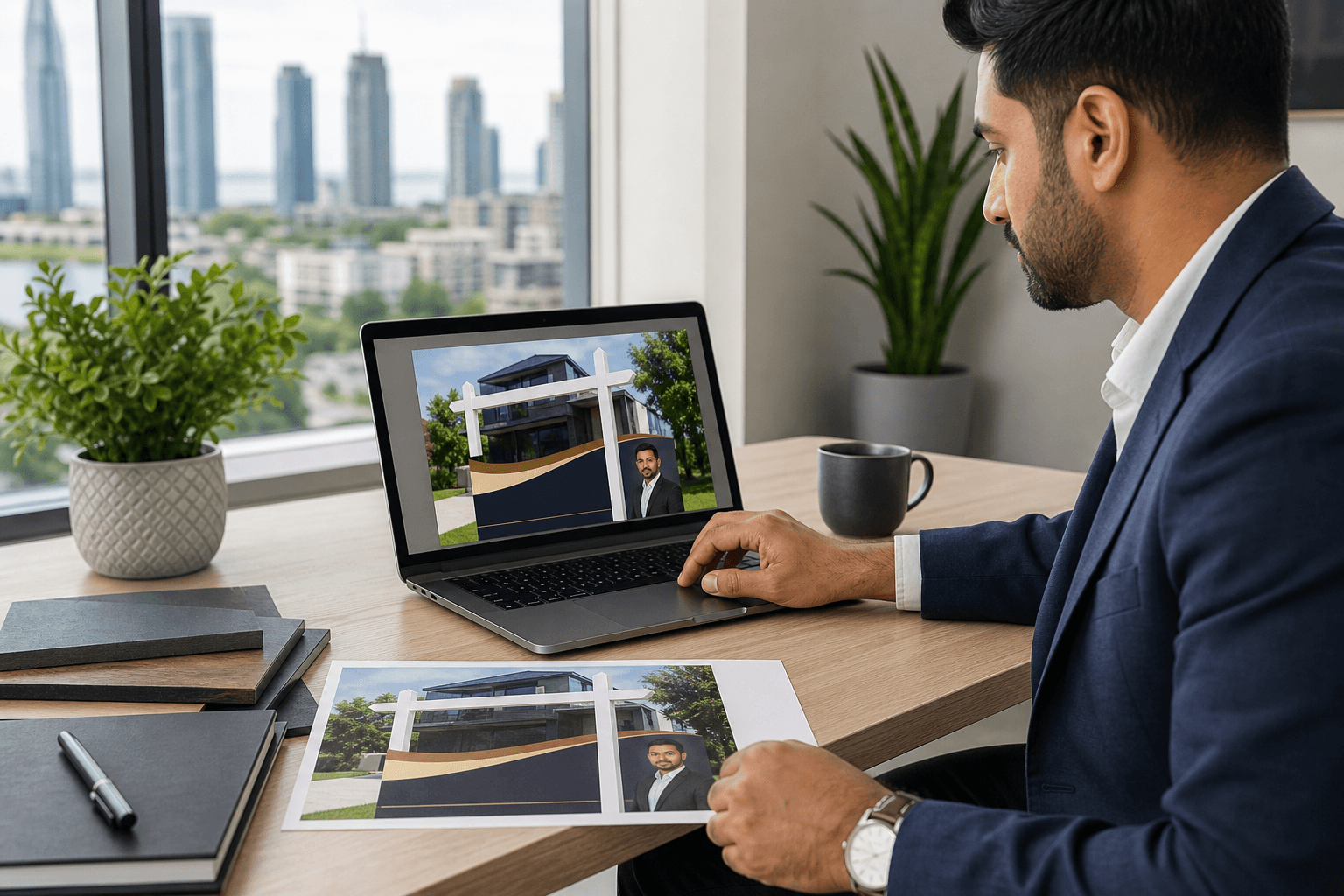
An online design editor is a browser-based tool that lets you create or customize visual artwork without installing professional design software. For real estate agents, brokerages, and small businesses, it can make routine updates to signs, business cards, flyers, and other marketing materials more accessible.
The right choice depends on the project. An online editor is useful when your branding and layout are already established, while professional design support is often more suitable for a new identity, complex artwork, or uncertainty about print requirements.
What is an online design editor?
An online design editor is a web-based workspace for making changes to visual materials. Instead of relying on installed professional software, you work through a browser to customize artwork for a selected product or marketing application. Top Realtor Shop provides an online design tool for this type of self-serve customization.
The exact tools available vary by provider. In practical terms, the purpose is to help you work with an existing design or create a simple layout using your business information, branding, images, and promotional copy.
That makes an online design editor different from hiring a designer to develop artwork from scratch. The editor gives you more direct control over routine changes, while a designer can provide greater support with structure, visual hierarchy, brand development, and print preparation.
Why it matters for print materials

Print projects often involve small but important changes. An agent may need to update a listing address, phone number, headshot, website, open house details, or call to action while keeping the same general brand presentation.
A browser-based editor can make these updates easier to manage, particularly when you already have approved artwork and know which information belongs on the material. It can also reduce the need to recreate a familiar design for each listing or campaign.
Convenience does not remove the need for quality control. A design can look acceptable while still containing a misspelled street name, an outdated phone number, crowded text, or an image that will not work well at the selected size.
Print materials that may suit self-serve editing
An online design editor is generally most useful for materials with a clear purpose, a repeatable structure, and controlled amounts of text. Top Realtor Shop serves real estate professionals and local businesses with products including real estate signs, business cards, flyers, brochures, postcards, and roll-up banners.
Before designing, identify the product you need and confirm that the artwork is intended for that material. A layout that works on a business card may not suit a yard sign, and a design that looks balanced on a flyer may need substantial changes for a tall banner.
Real estate signs and directional materials
Real estate professionals may use an editor for For Sale signs, Open House signs, Directional signs, Custom Riders, and Insert Signs. These materials often need consistent agent details, brokerage branding, listing information, and a clear action for the viewer.
Signs are usually viewed quickly and from a distance, so simplicity matters. Focus on the information a passerby needs first, such as the property status, agent identity, contact method, or direction. Avoid treating available space as an invitation to include every selling point.
Check that the name, phone number, website, listing details, and brokerage information are current. If a sign must follow brokerage standards or local requirements, confirm those requirements before finalizing the artwork rather than assuming the editor will identify them automatically.
Business cards, flyers, and client handouts
Business cards benefit from a consistent structure because the essential information is usually stable. An editor may be suitable when you are updating contact details, replacing an image, or adapting an approved brand design while keeping the overall layout familiar.
Flyers, brochures, and postcards allow more space for listing information, services, event details, or a local campaign message. They still need a clear hierarchy. Decide what readers should notice first, what they should understand next, and what action they should take.
Keep the copy final before designing. Repeatedly adding text to a fixed layout can make the material crowded and difficult to read. If the message needs extensive rewriting or the design must communicate several ideas at once, professional design input may save time.
Roll-up banners and broader marketing materials
Roll-up banners and other larger marketing materials can also benefit from consistent branding. They may be used at open houses, networking events, brokerage activities, or business displays, where readers may view the material from different distances.
Large format does not mean every detail will be easy to read. Prioritize the main message, brand identity, contact method, and essential supporting information. Review the artwork at a realistic viewing distance if possible.
The same planning approach can apply to door hangers, presentation materials, stickers, calendars, and other marketing collateral. The more formats you use, the more important it becomes to maintain consistent colors, logos, contact details, and tone.
Self-serve editing or professional design support?
The choice is not simply between doing everything yourself and outsourcing everything. Consider the condition of your brand assets, the complexity of the layout, the number of materials involved, and how confident you are about preparing the artwork for the selected product.
Use the editor when the project is straightforward
Self-serve editing is a reasonable option when your logo and branding are already approved, the copy is settled, and the layout is familiar. It can suit routine updates such as changing a listing address, replacing a property image, or updating an event date.
It is also useful when you need controlled variations of an established design. Before starting, confirm that the chosen product and artwork structure match your intended use.
Request design help when the project is complex
In-house graphic design support is more appropriate when you are developing a new visual identity, restructuring a crowded layout, combining several messages, or adapting one concept across signs, cards, flyers, and banners.
Professional support can also help when you are unsure whether your artwork is suitable for the selected print material. Top Realtor Shop provides in-house graphic design alongside its self-serve online design option.
What to prepare before opening the editor
A short preparation step can prevent avoidable revisions. Gather the following information before you begin:
- Approved branding: Use the current logo, brokerage information, colors, and other authorized brand elements.
- Accurate contact details: Confirm names, titles, phone numbers, email addresses, websites, and social media details.
- Listing information: Prepare the correct address, property status, open house details, dates, times, and calls to action.
- Images: Select the intended property photos, headshot, or supporting visuals before arranging the layout.
- Final copy: Proofread the text separately so you are not editing wording and design at the same time.
- Product choice: Know whether you are creating a sign, business card, flyer, brochure, postcard, or banner.
- Approval requirements: Check brokerage or team review requirements before sending the design to print.
Separate confirmed information from details that still need approval. This is especially important for brokerage branding, listing details, and promotional claims.
What to review before ordering
Take a final quality-control pass before placing the order. Read every name, address, number, URL, date, and call to action carefully. A second person can often spot an error that the original designer overlooks.
Review the visual hierarchy as well. The most important information should be easy to find, text should remain readable for the intended use, and the design should not feel overcrowded. Check that logos and images are positioned consistently and that the material aligns with your existing brand.
Consider image quality and the selected product. A photo that looks acceptable on a phone screen may not work equally well in a larger printed format. If you are unsure about artwork requirements, ask the print provider before ordering.
An online editor should not be treated as an automatic guarantee that every completed design is print-ready. The final result depends on accurate preparation, careful review, and confirmation of the provider’s requirements.
Limitations and tradeoffs to understand
The main advantage of self-serve editing is control. You can make routine changes directly and avoid starting a simple project from scratch. The tradeoff is that you are also responsible for the accuracy and suitability of those changes.
Common problems include inconsistent spacing, too much text, outdated contact information, unsuitable images, and layouts that do not transfer well between products. These issues are more likely when a familiar design is repeatedly modified without a structured review.
Self-serve editing is best viewed as a practical option for controlled customization, not a replacement for design judgment. When the project is unfamiliar or visually complicated, professional review may be the more efficient choice.
A simple decision path for your next print project
- Identify the material: Decide whether you need a sign, card, flyer, brochure, postcard, banner, or another marketing product.
- Confirm the assets: Gather approved branding, final copy, accurate contact details, and suitable images.
- Assess complexity: Use self-serve editing for familiar layouts with routine changes. Request design support for new or complicated artwork.
- Review the design: Check spelling, contact details, readability, images, alignment, and brand consistency.
- Confirm the order: Verify the product, quantity, pickup or delivery details, and provider requirements.
Top Realtor Shop also offers realtor packages with Bronze, Silver, Gold, and Platinum tiers for customers who need several core materials rather than one isolated item.
Frequently asked questions
Does an online design editor require professional design software?
No. A browser-based design editor is intended to let customers customize visual materials without professional design software. However, accurate content, suitable images, and careful design decisions are still necessary.
What materials can an online design editor support?
Depending on the provider and product setup, it may support signs, business cards, flyers, brochures, postcards, and roll-up banners. Confirm that the editor and artwork are suitable for the exact product before ordering.
Does using an online editor guarantee print-ready artwork?
No. Online editing does not by itself guarantee that a result meets every printing requirement. Review the copy, layout, images, brand details, and product selection, then confirm unresolved production questions with the print provider.
When should you use professional graphic design help instead?
Professional help is a better fit when creating new branding, handling a crowded layout, adapting one concept across several formats, or feeling uncertain about print preparation. It may also help when your brokerage or team requires formal review.
Conclusion: choose the right level of design support
An online design editor is a practical way to customize straightforward branded print materials without professional design software. It can work well for recurring updates to real estate signs, business cards, flyers, brochures, postcards, and banners when the brand, copy, and layout are already under control.
Prepare your assets carefully, review every detail before ordering, and request professional design support when the project involves new branding, complex communication, multiple formats, or uncertain print requirements.
To explore the online design option or discuss printing and graphic design support in Mississauga, visit Top Realtor Sign & Print.