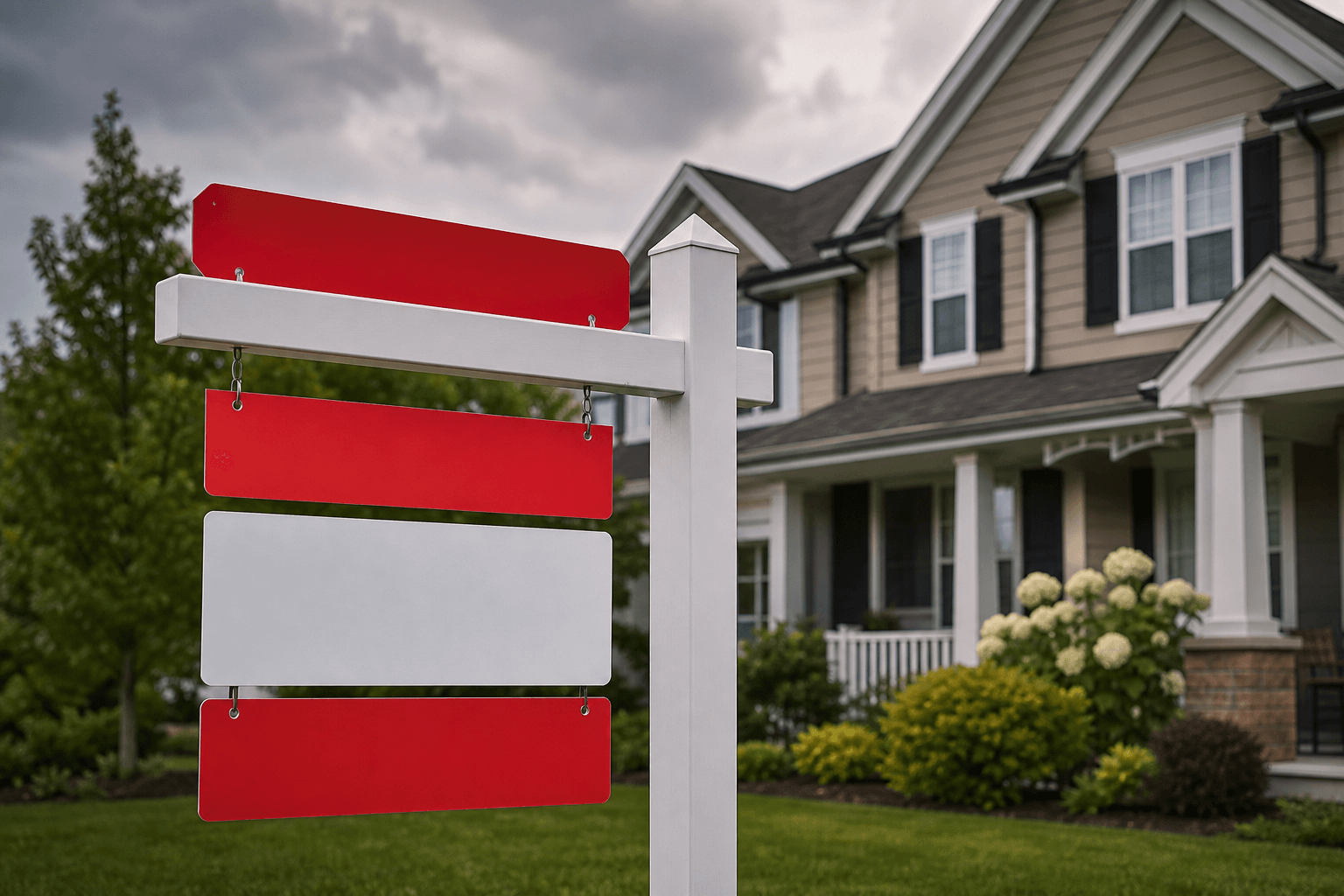
What custom riders are and why they matter
Custom riders are smaller, add‑on panels attached to a primary yard or post sign (For Sale, Open House, directional signs) that deliver secondary messages—agent names, phone numbers, “Sold” banners, or feature callouts (e.g., “Virtual Tour” or “Reduced”). Riders are inexpensive compared with a full sign but often determine whether a passerby understands the listing at a glance. This article explains the common design and production mistakes that reduce rider effectiveness, the red flags to watch for when choosing a supplier, and the practical checks you can do before you approve print.
Riders are treated as a product category by specialist real‑estate sign shops and print suppliers and are commonly grouped with For Sale, Open House, directional signs and other yard products on supplier sites for context.
Common design and production mistakes that ruin riders
Several recurring errors turn an otherwise useful rider into a wasted panel. The most damaging problems are:
- Poor legibility: Overly small type, decorative fonts, or low contrast make a rider unreadable from the street. Signage experts warn that readability and distance are the priorities for outdoor signs—if the message can’t be read from a typical curbside viewing position, redesign it (use high‑contrast colours and simple sans‑serif fonts). Forbes: signage readability and common mistakes.
- Cluttered branding: Crowding multiple logos, taglines, and phone numbers makes the rider confusing and risks violating brokerage brand rules. Prioritise one clear call to action (call, website or QR) per rider.
- Low‑resolution artwork: Supplying small or low‑resolution images creates blurry print. Always confirm your supplier’s minimum DPI and avoid upscaling small files.
- No bleed or incorrect safe area: Missing bleed or text placed too close to the edge can cause unwanted cropping during finishing. Ask for the supplier’s template and follow the bleed/safe‑area guidelines exactly.
- Ignoring viewing distance: Riders are narrower than main signs—what looks fine on a screen can be unreadable from the street. Proofing and a distance‑read test that simulates typical curbside viewing are essential.
Vendor red flags and questions to ask before you hire a sign shop
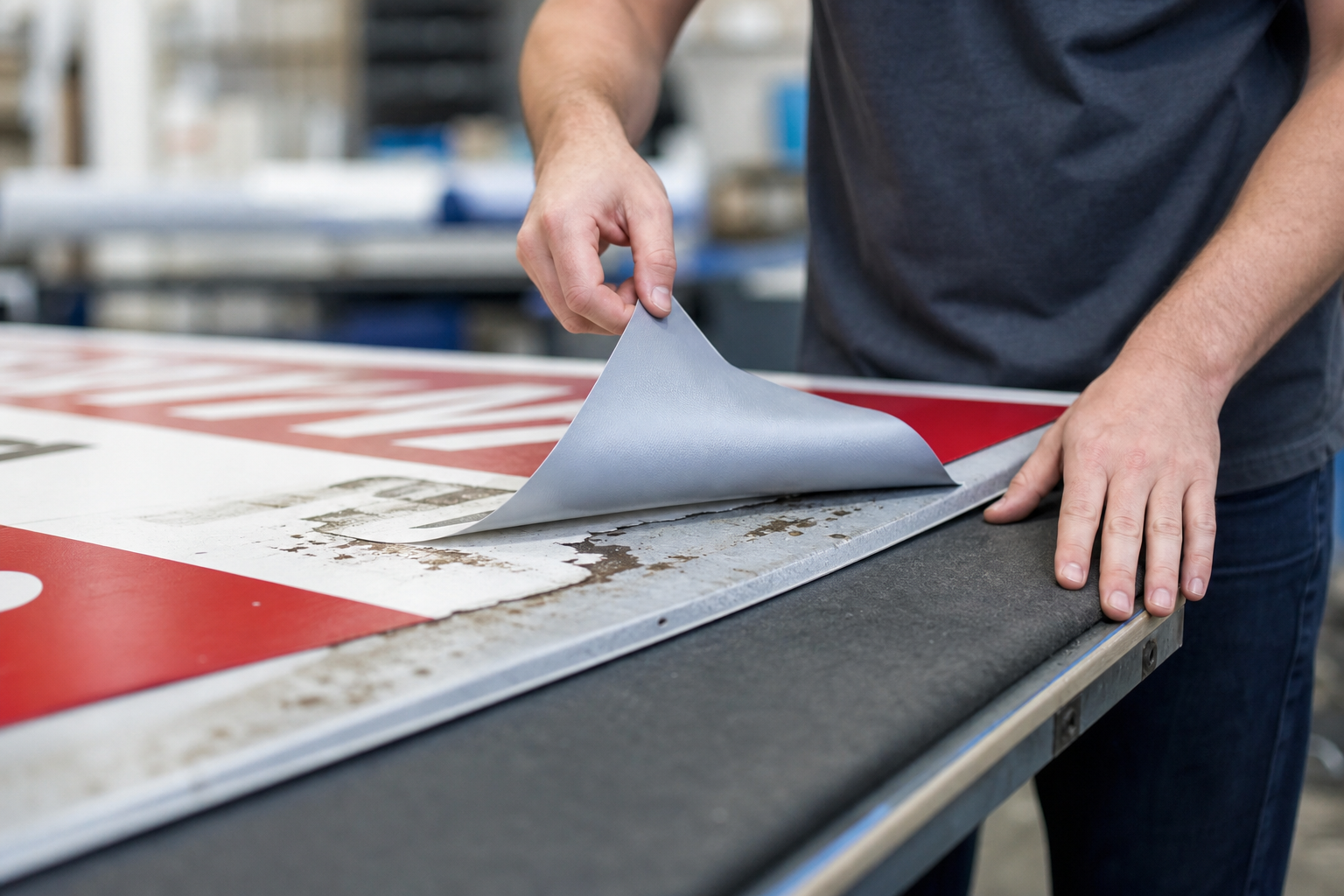
Choosing the wrong supplier is a leading cause of delays, incorrect materials, and costly reprints. Before you commit, confirm these points and treat the following as red flags if unanswered or handled poorly:
- No print proof or delayed proofing: A supplier should provide a printable proof that shows trim, bleed and exact type sizes before production. If a vendor refuses or delivers only a low‑quality snapshot, walk away.
- Vague turnaround times: Ask for firm production timelines (file‑received → proof → approval → production → ready for pickup/delivery). Suppliers that won’t put timelines in writing or change deadlines frequently are higher risk. This Old House recommends verifying timelines and asking for references when hiring trades and vendors. How to Vet a Contractor — This Old House.
- Unclear pricing or surprise fees: Request an itemised quote that lists art/setup fees, per‑unit price, and any rush charges. Avoid vendors that give ballpark answers instead of a written quote.
- No sample photos or references: Legitimate sign shops will show recent photos of completed riders and installed signs. A lack of examples or only stock images is a warning sign.
- Pressure to pay large upfront amounts: Consumer guides advise against vendors who demand unusually large upfront payments or use aggressive sales tactics. Ask for normal deposit terms in writing. The Spruce: red flags when hiring a contractor.
- Poor communication or no return policy: If the vendor cannot explain revision limits, return or reprint policies, or how they handle damaged goods, reconsider. Angi’s checklist of questions to ask contractors shows the importance of clear quotes and written terms. Angi: questions to ask before hiring.
Design, file prep, and ordering checks (what to send and what to expect)
Before you upload files or start a supplier online editor, run the following checklist to avoid reprints and delays:
- Ask for the exact template: Request the supplier’s rider template with trim, bleed and safe zones and place critical text inside the safe area. Many sign shops supply downloadable templates or have preset sizes in their online editor—use them to avoid alignment problems. For an example product listing and to review a rider template option, view the custom riders for for sale signs product page. custom riders for for sale signs.
- File formats and resolution: Preferred print files are vector PDFs or high‑resolution TIFF/JPEG at 300 DPI at final size. If you must provide layered native files, clarify which applications (Illustrator, InDesign, Photoshop) are acceptable and whether fonts need to be outlined.
- Colour and contrast: Use CMYK files for offset/digital print jobs and avoid relying on screen RGB colours. Confirm whether the supplier prints spot colours or simulated Pantone matches if brand colour accuracy matters.
- Request a physical or high‑resolution digital proof: For text‑heavy riders, a digital PDF proof might be enough; for colour‑critical panels, request a physical proof or a high‑quality proof file. Never approve production without seeing the final proof that includes crop marks and exact scale.
- Brokerage compliance: If you must follow brokerage logo placement or font rules, provide the supplier with the brokerage brand guidelines in writing before artwork approval.
- Turnaround and pickup/delivery options: Confirm whether riders are eligible for expedited or rush services—some shops list same‑day pickup for specific small products, while riders may follow standard production times; always ask and get confirmation in writing.
Attachment, placement and visibility tips to avoid wasted riders
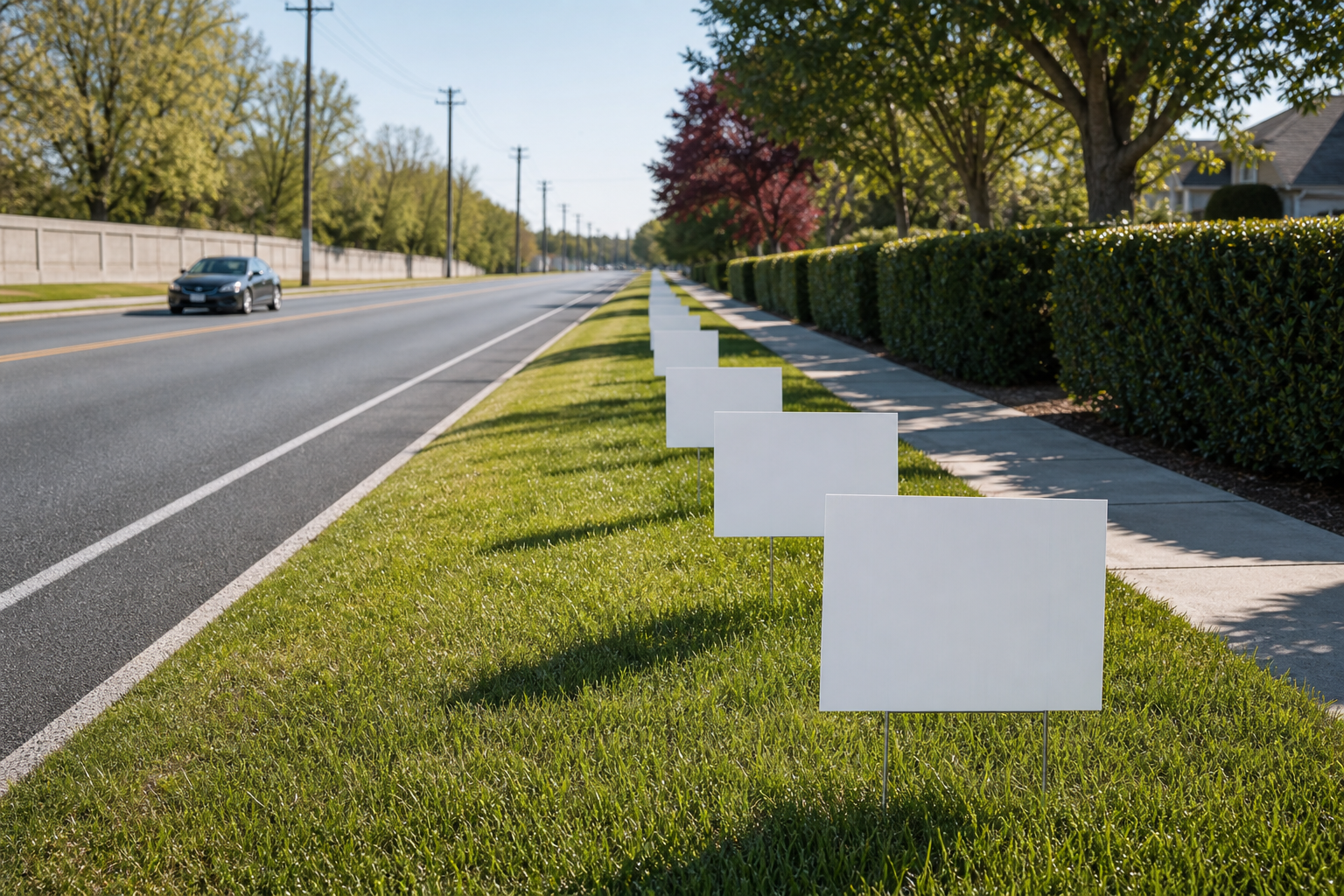
Correct attachment and placement determine whether a rider is seen or ignored. Use these practical tests and questions:
- Confirm attachment method: Ask if the rider is designed to clip or hang from the top of the main sign, bolt on, or be tied using zip ties—different methods affect how the rider sits and whether it rotates in wind. If installation instructions aren’t provided, request them before purchase.
- Placement relative to the main sign: A rider mounted too low or too high can be obscured or create awkward sightlines. Typically, riders sit directly above or below the main sign face; verify with an installed photo if possible.
- Visibility check: Print a 1:1 scaled proof on paper and stand back to simulate street viewing; if text or callouts are unreadable, increase font size or simplify the message.
- Weather and durability: Ask which substrates and lamination are used for outdoor riders; confirm UV‑resistant inks and protective coatings if the rider must last through seasons. If a vendor cannot describe materials or give expected outdoor life, seek a clearer specification or another supplier.
Frequently asked questions
What sizes and materials are available for custom riders and how do I confirm compatibility with my For Sale sign?
Sizing and materials vary by supplier. The practical approach is to request the vendor’s rider size options and a compatibility check with your exact main sign model (share a photo or dimensions). Ask the shop for a template or a spec sheet showing width, height, and recommended attachment method so you can verify fit before ordering.
Can custom riders be produced same‑day or next‑day and how should I confirm turnaround?
Turnaround depends on the shop’s equipment, current queue and whether the rider requires custom cutting or lamination. Do not assume same‑day production; explicitly ask the supplier for a written timeline that covers proof approval and production. Some shops advertise same‑day pickup for small print items, but riders often follow standard production timing—get the supplier’s confirmation in writing.
What file formats and resolution should I provide and can I use an online design tool or request in‑house design help?
Provide vector PDFs or high‑res images at 300 DPI at final size. If you prefer design assistance, many shops offer browser‑based online editors and in‑house graphic design services so you can build or hand off artwork without specialised software—ask the supplier which path they support and whether design time is included or billed separately.
Can riders be added to existing Realtor sign packages and will that change delivery or pickup options?
Some suppliers allow riders to be bundled into sign packages; bundling can affect price and fulfilment (bundled orders may be held until all items are ready). If you plan to add riders to a package, ask how it will change lead times, whether partial pickup is possible, and whether free delivery thresholds apply to the combined order.